HOMEPROTOCOLSGET STARTEDPRICINGDOCS

TERMS OF SERVICEPRIVACY POLICYACCEPTABLE USE POLICYCOOKIE POLICYHome
ABOUTPricingPROTOCOLSVPN SERVERS
FAQRoadmapPhilosophy
GET STARTED

Social media

support@shp.network

©2026 Self Hosted Project LLC

PRIVACY POLICYTERMS OF SERVICEACCEPTABLE USE POLICYCOOKIE POLICYHome

©2026 Self Hosted Project LLC

Personal VPN Servers

Best Personal VPN Servers: Dedicated IPs, Global Availability & Root Access

Explore our high-speed global locations for your private VPN server.

  • Enjoy low-latency gaming and buffer-free 4K streaming.
  • Stay secure and private 24/7 with a stable, reliable connection.
  • Achieve true high-speed performance with an uncongested server uplink.
Get Your Own VPN

Complete List of VPN Server Availability

Discover our features, locations, and available VPN protocols.

21Countries63Locations
Cities
Melbourne, Sydney
  • Dedicated IP
  • Personal Server
  • Root Access
Cities
São Paulo
  • Dedicated IP
  • Personal Server
  • Root Access
Cities
Toronto
  • Dedicated IP
  • Personal Server
  • Root Access
Cities
Santiago
  • Dedicated IP
  • Personal Server
  • Root Access
Cities
Paris
  • Dedicated IP
  • Personal Server
  • Root Access
Cities
Frankfurt
  • Dedicated IP
  • Personal Server
  • Root Access
Cities
Bangalore, Chennai, Delhi NCR, Mumbai
  • Dedicated IP
  • Personal Server
  • Root Access
Cities
Jakarta
  • Dedicated IP
  • Personal Server
  • Root Access
Cities
Tel Aviv
  • Dedicated IP
  • Personal Server
  • Root Access
Cities
Milan
  • Dedicated IP
  • Personal Server
  • Root Access
Cities
Osaka, Tokyo
  • Dedicated IP
  • Personal Server
  • Root Access
Cities
Mexico City
  • Dedicated IP
  • Personal Server
  • Root Access
Cities
Amsterdam
  • Dedicated IP
  • Personal Server
  • Root Access
Cities
Warsaw
  • Dedicated IP
  • Personal Server
  • Root Access
Cities
Singapore
  • Dedicated IP
  • Personal Server
  • Root Access
Cities
Johannesburg
  • Dedicated IP
  • Personal Server
  • Root Access
Cities
Seoul
  • Dedicated IP
  • Personal Server
  • Root Access
Cities
Madrid
  • Dedicated IP
  • Personal Server
  • Root Access
Cities
Stockholm
  • Dedicated IP
  • Personal Server
  • Root Access
Cities
London, Manchester
  • Dedicated IP
  • Personal Server
  • Root Access
Cities
Atlanta, Chicago, Dallas, Fremont, Honolulu, Los Angeles, Miami, New Jersey, Newark, Seattle, Silicon Valley, Washington
  • Dedicated IP
  • Personal Server
  • Root Access
CountryCitiesLocationsDedicated IPPersonal ServerRoot Access
Australia
24
Brazil
12
Canada
12
Chile
11
France
12
Germany
13
India
46
Indonesia
11
Israel
11
Italy
11
Japan
25
Mexico
11
Netherlands
12
Poland
11
Singapore
13
South Africa
11
South Korea
11
Spain
12
Sweden
12
United Kingdom
24
United States
1218

Understanding a personal VPN server: what it is and why location matters

01

What is a Personal VPN Server?

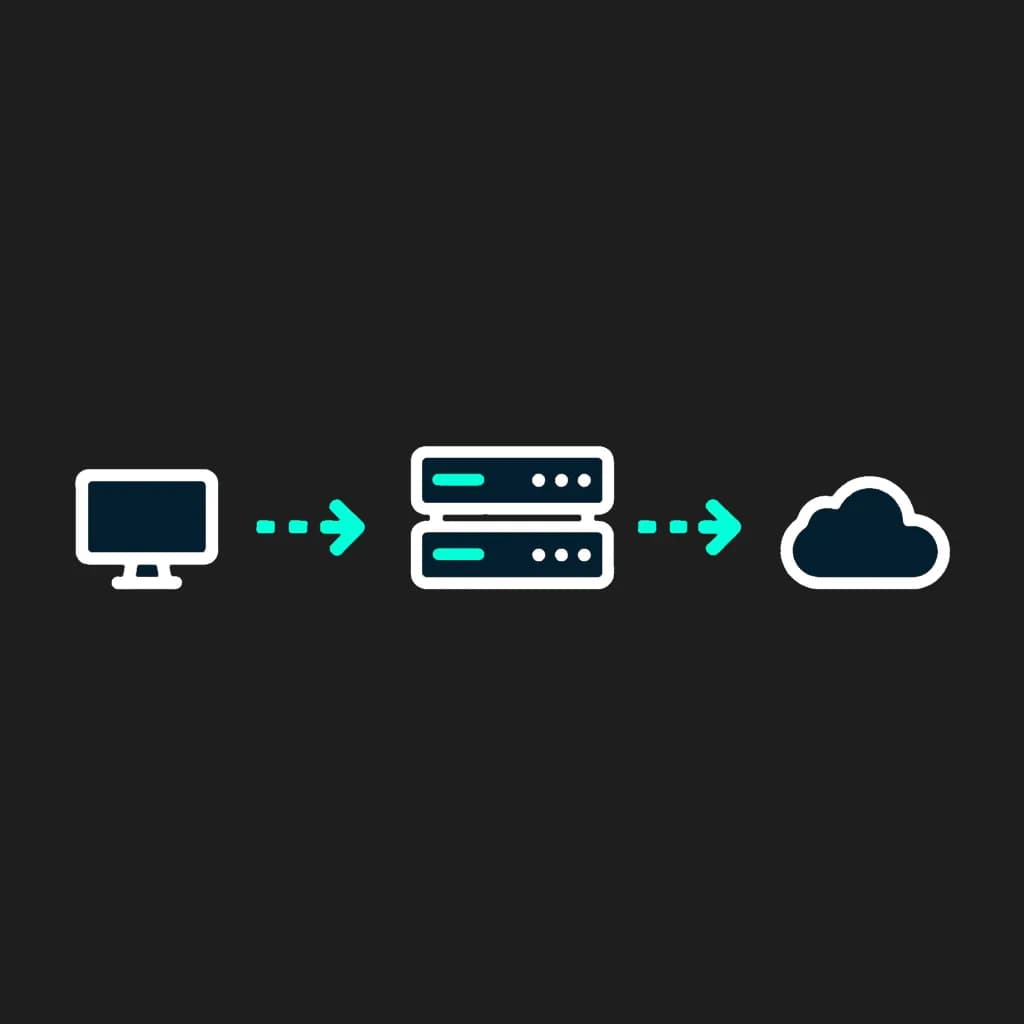
A personal VPN server combines high-performance hardware with VPN software to give you total control over your connection. Once connected, it encrypts your data and reroutes traffic through your chosen location, effectively masking your actual IP address.

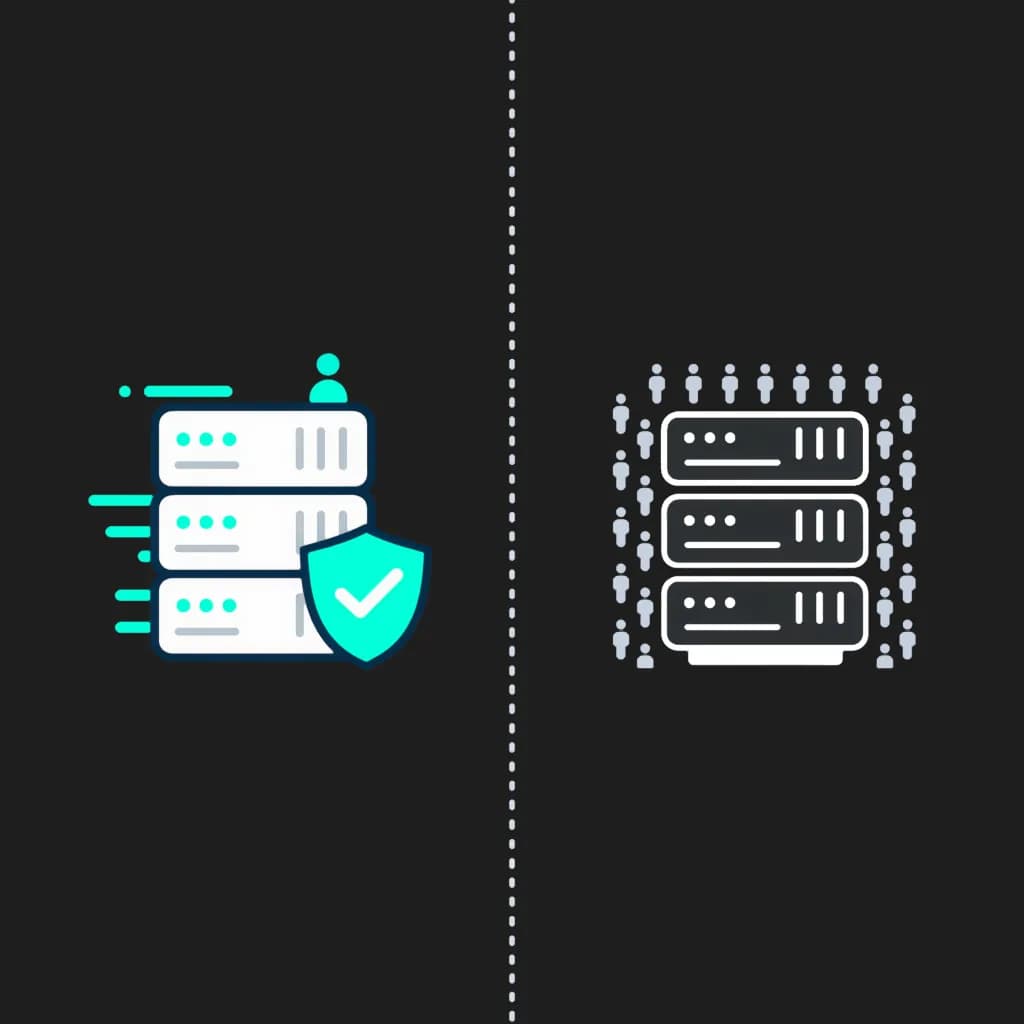
By routing all traffic through your private server before it reaches its destination, you ensure that websites only interact with your server's IP. Thanks to encryption, your online activity remains invisible to third parties. The key advantage is that you never share resources with other users and can fully customize the environment to fit your specific needs.

02

The Power of a VPN Server with a Dedicated IP

Unlike standard VPN services where hundreds of people share the same IP address, a personal server provides you with a Dedicated IP. This means the address belongs to you alone, ensuring a "clean" reputation across the web.

A dedicated IP eliminates the constant annoyance of CAPTCHAs and prevents you from being caught in "bad neighbor" blacklists that often block shared VPN ranges. Whether you are managing sensitive business data, accessing secure banking portals, or running a remote office, a dedicated IP ensures consistent access and trust from the services you use every day.

03

Root Access: Total Control Over Your Server

Most VPN providers lock you into a "black box" where you have no say in how the system runs. At SHP, we provide Full Root Access, giving you the same administrative power as if the server were sitting right on your desk.

With root privileges, you aren't limited to basic settings. You can install custom security tools, fine-tune system parameters, or change ports to bypass strict firewalls. This level of transparency and sovereignty is essential for tech-savvy users who demand a truly private, self-hosted infrastructure without any provider-imposed restrictions.

04

Why the Choice of VPN Protocol Matters

The protocol acts as the foundation of your VPN, balancing encryption strength with data throughput. Since you have full control over your personal server, you aren't limited to a single, provider-mandated setting. Instead, you can choose the technical framework that aligns with your specific goals.

Some protocols are optimized for maximum speed and low overhead, making them ideal for high-bandwidth tasks, while others focus on obfuscation to stay invisible in restrictive network environments. This flexibility allows you to fine-tune your connection, ensuring that your private server remains both secure and high-performing regardless of how or where you connect.

05

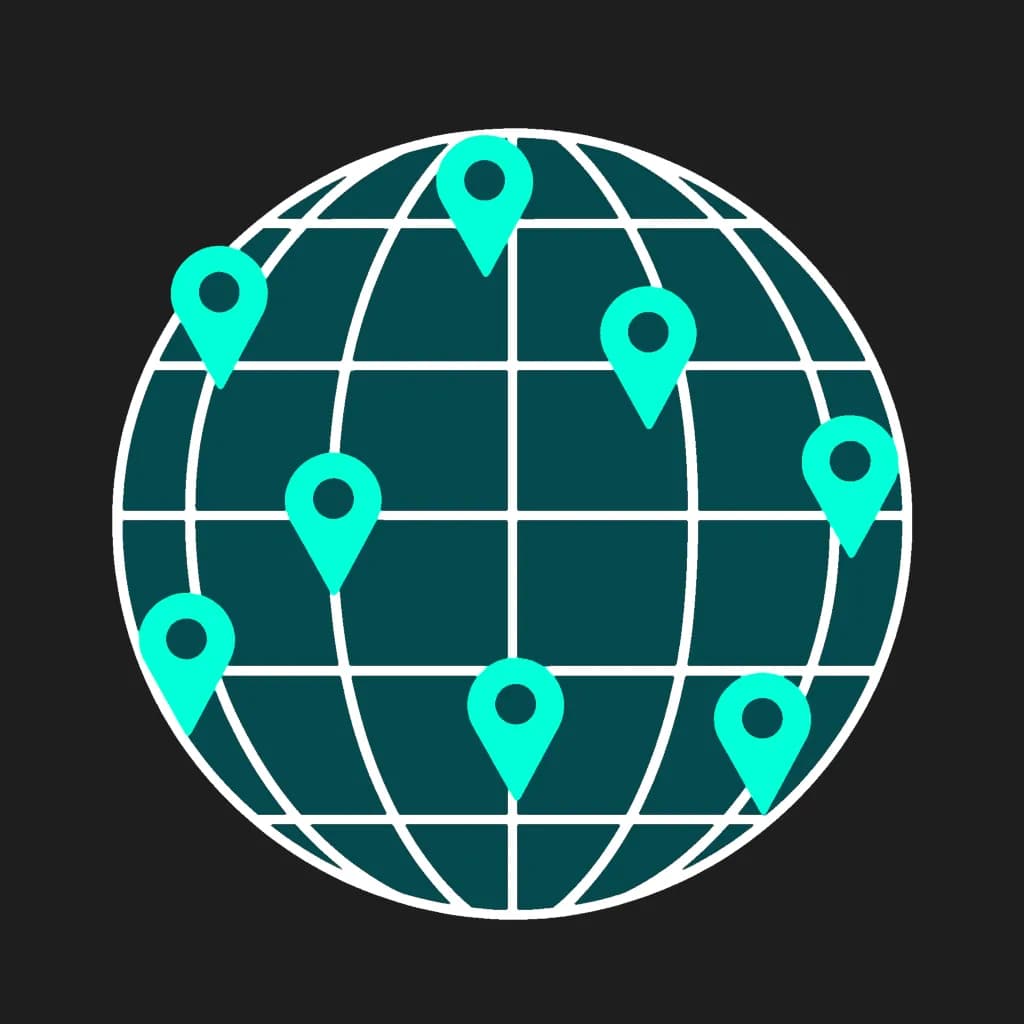
Why Your VPN Server Location is Key to Performance

In networking, physical distance is the primary factor affecting latency and overall stability. Choosing the right server location ensures that your data travels the shortest possible path, which is critical for real-time applications like video conferencing or competitive gaming. A strategically placed server minimizes "ping" and prevents the speed drops often associated with long-distance routing.

Beyond raw performance, your chosen location defines your virtual presence. By deploying your personal server in a specific region, you experience the internet with the speed and accessibility of a local user. This allows you to bypass regional network congestion and ensures a stable, high-speed connection that feels as responsive as if the server were in your own home.

06

Access Home Services and Local Accounts Securely While Abroad

Traveling or living abroad often leads to "suspicious login" alerts from banks, streaming platforms, and government portals. These services are highly sensitive to IP changes and often block access if they detect a connection from an unfamiliar country.

A personal VPN server solves this by giving you a static digital home. By choosing a server in your home country, you maintain a consistent digital identity. You can manage your finances, access local content, and use your accounts without being flagged or locked out. It's the ultimate tool for digital nomads who need to stay securely connected to their home services from anywhere in the world.

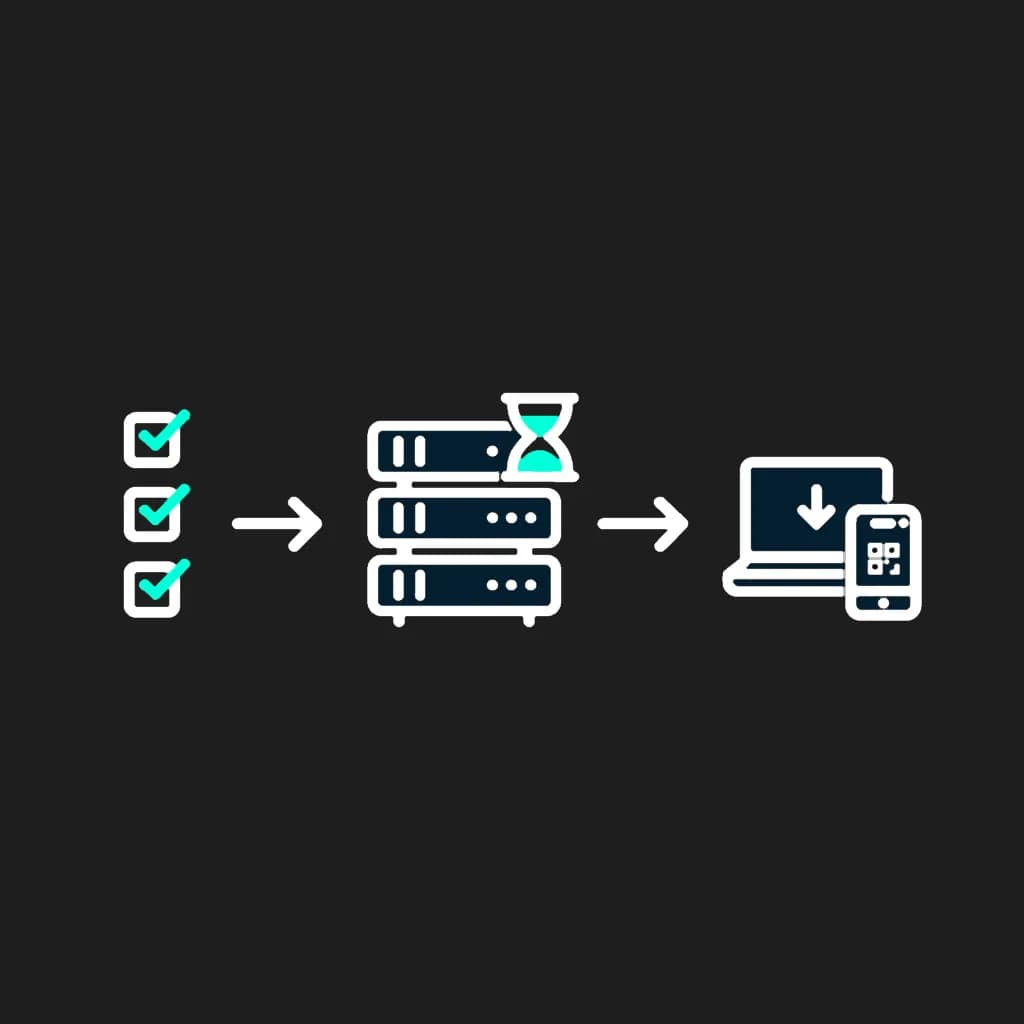
HOW IT WORKS

Get your private VPN server

in less than 10 minutes

01

CHOOSE YOUR SERVER

Select a VPN protocol, a plan, and a server location.

02

WAIT FOR SETUP

Your personal VPN server is being configured automatically.

03

CONNECT

Install the app on any of your devices and connect using a config or QR code.

Frequently Asked Questions

Switching servers takes about 10 minutes.
You can, but the process may be complicated. Even with a host of online tutorials, setting up a secure VPN server requires a lot of IT knowledge and patience. Mistakes in the process can easily lead to data and location leaks, defeating the purpose of using a VPN. You also need to think about additional challenges, such as hosting and maintenance.
The best VPN server at any given moment depends on your needs — for example, if you want to share files, NordVPN offers servers optimized for P2P traffic. In general, we advise you to choose countries that are close to your actual location because your VPN connection speed depends on how close you are to our server.
Simply connect to your chosen VPN server and visit our What is my IP address page. It will show you the server's IP address and location. You can also find your IP address on the NordVPN app by clicking the server you're connected to at the top of the NordVPN app screen or by clicking "Settings" and then "Statistics."
Yes, our service offers WireGuard, OpenVPN and IKEv2 configurations, which are often supported by modern routers.
Yes, VPN are legal in the vast majority of countries. However, a few regions impose restrictions or outright bans on their use. It's important to check local regulations before using a VPN to stay compliant.
When you connect to a VPN server, it decrypts your encrypted traffic, swaps your IP address with its own, and forwards your requests to websites. The server then receives the response and sends it back to you through the encrypted tunnel.