HOMEPROTOCOLSGET STARTEDPRICINGDOCS
  1. SHP
  2. /VPN Server Locations

TERMS OF SERVICEPRIVACY POLICYACCEPTABLE USE POLICYCOOKIE POLICYSITEMAP
ABOUTPricingPROTOCOLSVPN SERVERS
FAQRoadmapPhilosophy
GET STARTED

Social media

support@shp.network

©2026 Self Hosted Project LLC

PRIVACY POLICYTERMS OF SERVICEACCEPTABLE USE POLICYCOOKIE POLICYSITEMAP

©2026 Self Hosted Project LLC

Personal VPN Servers

Best Personal VPN Servers: Global Locations & Dedicated IP Availability

Explore our high-speed global locations for your private VPN server.

  • Enjoy low-latency gaming and buffer-free 4K streaming.
  • Stay secure and private 24/7 with a stable, reliable connection.
  • Achieve true high-speed performance with an uncongested server uplink.
Get Your Own VPN

Complete List of VPN Server Availability

Complete List of VPN Server Availability

Discover our features, locations, and available VPN protocols.

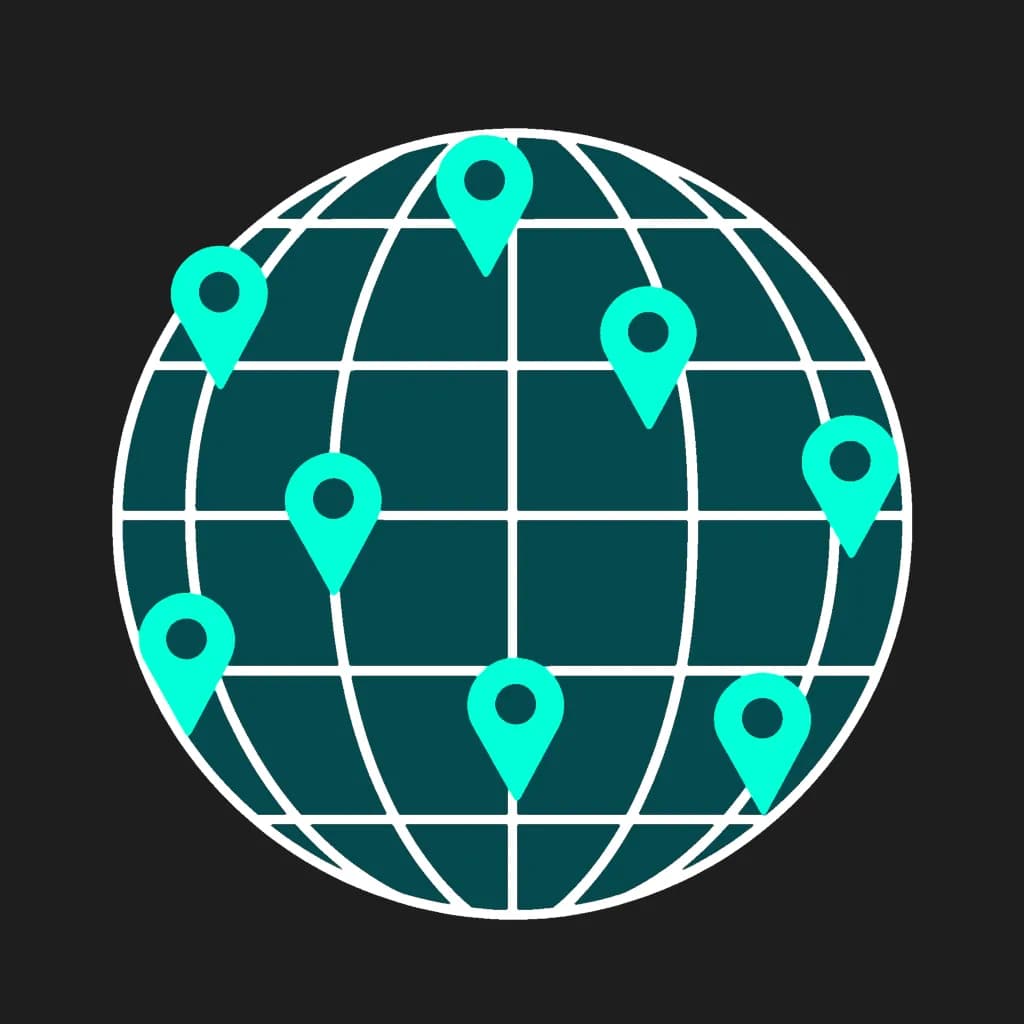
There is no need to search for the best VPN location for your goals when you have a self-hosted VPS by SHP.Network. We can provide you with an already preconfigured VPN/proxy server with access from more than 20 countries and 40+ locations worldwide. Let's check which countries and locations are available for VPS deployment.

All Available Countries

21Countries63Locations
Cities
Melbourne, Sydney
  • Dedicated IP
  • Personal Server
  • Root Access
Cities
São Paulo
  • Dedicated IP
  • Personal Server
  • Root Access
Cities
Toronto
  • Dedicated IP
  • Personal Server
  • Root Access
Cities
Santiago
  • Dedicated IP
  • Personal Server
  • Root Access
Cities
Paris
  • Dedicated IP
  • Personal Server
  • Root Access
Cities
Frankfurt
  • Dedicated IP
  • Personal Server
  • Root Access
Cities
Bangalore, Chennai, Delhi NCR, Mumbai
  • Dedicated IP
  • Personal Server
  • Root Access
Cities
Jakarta
  • Dedicated IP
  • Personal Server
  • Root Access
Cities
Tel Aviv
  • Dedicated IP
  • Personal Server
  • Root Access
Cities
Milan
  • Dedicated IP
  • Personal Server
  • Root Access
Cities
Osaka, Tokyo
  • Dedicated IP
  • Personal Server
  • Root Access
Cities
Mexico City
  • Dedicated IP
  • Personal Server
  • Root Access
Cities
Amsterdam
  • Dedicated IP
  • Personal Server
  • Root Access
Cities
Warsaw
  • Dedicated IP
  • Personal Server
  • Root Access
Cities
Singapore
  • Dedicated IP
  • Personal Server
  • Root Access
Cities
Johannesburg
  • Dedicated IP
  • Personal Server
  • Root Access
Cities
Seoul
  • Dedicated IP
  • Personal Server
  • Root Access
Cities
Madrid
  • Dedicated IP
  • Personal Server
  • Root Access
Cities
Stockholm
  • Dedicated IP
  • Personal Server
  • Root Access
Cities
London, Manchester
  • Dedicated IP
  • Personal Server
  • Root Access
Cities
Atlanta, Chicago, Dallas, Fremont, Honolulu, Los Angeles, Miami, New Jersey, Newark, Seattle, Silicon Valley, Washington
  • Dedicated IP
  • Personal Server
  • Root Access
CountryCitiesLocationsDedicated IPPersonal ServerRoot Access
Australia
24
Brazil
12
Canada
12
Chile
11
France
12
Germany
13
India
46
Indonesia
11
Israel
11
Italy
11
Japan
25
Mexico
11
Netherlands
12
Poland
11
Singapore
13
South Africa
11
South Korea
11
Spain
12
Sweden
12
United Kingdom
24
United States
1218

Understanding a Personal VPN Server: What It Is and Why Location Matters

Understanding a Personal VPN Server: What It Is and Why Location Matters

Today, using a VPN to change location and enhance security is among the basics of digital hygiene. A VPN server helps to tunnel your device to the destination you need on the Internet, maintaining your personal data security and the activities you are engaged in. Plus, using a private VPN server is better because of lower load on it and higher connection speed. In fact, such a VPN is not an access service, but an infrastructure on which you can set connection behavior for particular tasks. However, besides the deployment of a VPN server, choosing a location for your connection also matters.

Choose a Plan
01

What is a Personal VPN Server?

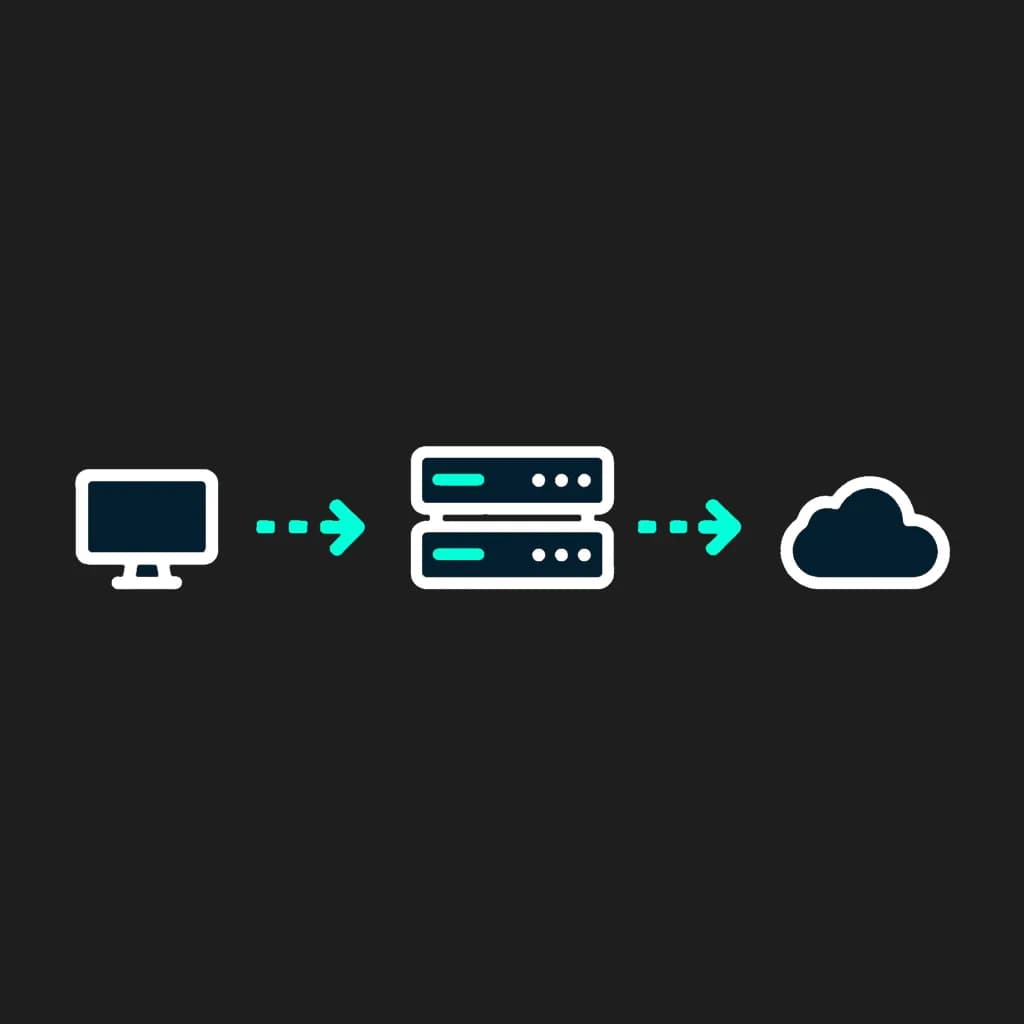
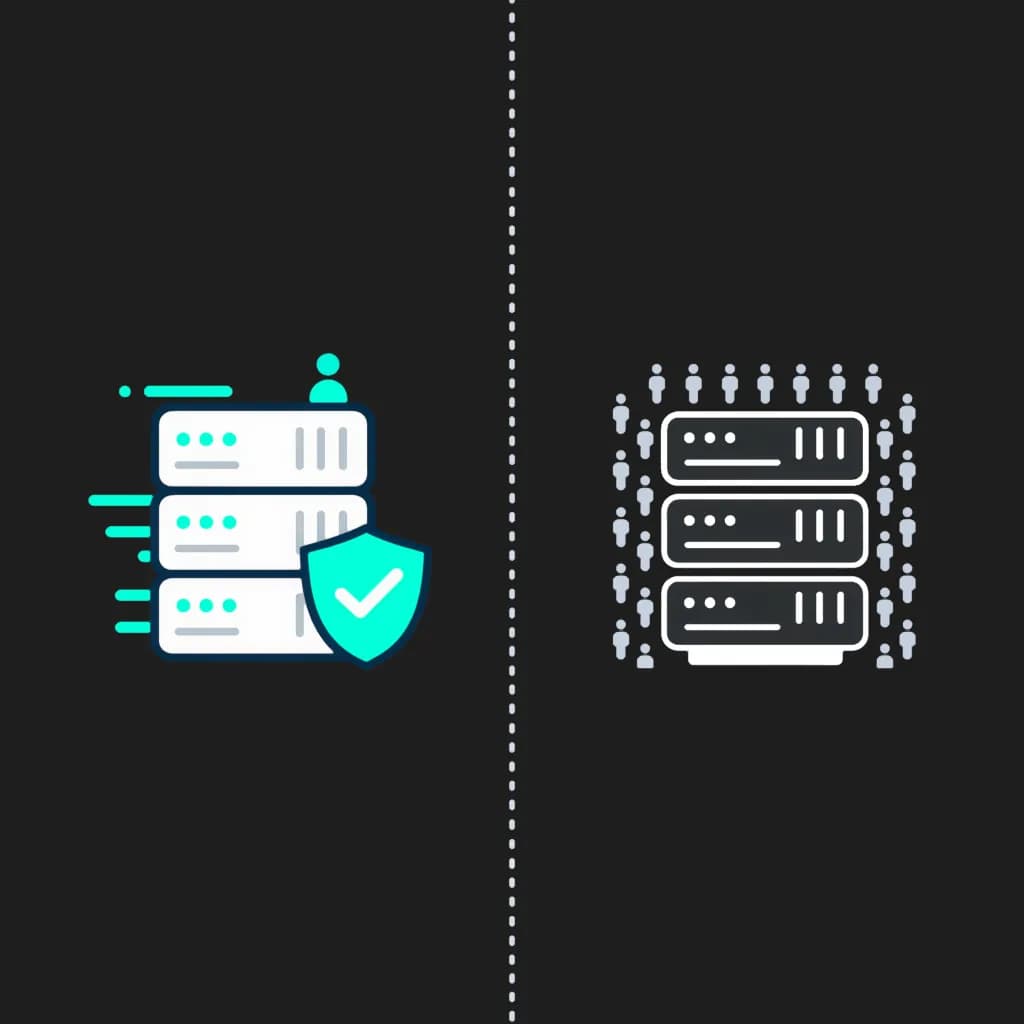
Unlike a shared VPN server with thousands of users under the same range of IPs, your personal VPN server is used only by you. Besides, unlike other VPN server providers we allow sharing access to your private VPS with an unlimited number of other users, if you take responsibility for their activities. You can choose the 'my VPN location' feature and configure your VPN server to meet your needs.

As a result, you get your VPS with a pre-set high-performance VPN software and advanced security protection. With the help of a convenient web dashboard by SHP.Network, you can control your traffic and get root access for agile configuration.
02

The Power of a VPN Server with a Dedicated IP

When you get a personal VPS with a dedicated IP, you get a combo of the best technologies for bypassing typical VPN challenges as follows:

  • The dedicated IP belongs to you only. Unlike public VPNs, it doesn't cause a 'Bad Neighbor' effect; thus, you can bypass CAPTCHA on most platforms and do not bother whether your IP is blacklisted.
  • If you change a VPN location on your VPS, you get a new dedicated IP that remains valid for fraud monitoring services. Thus, even with a new server, you can get access to your financial tools and banking anywhere, any time.
  • Enhanced whitelisting for an isolated server allows users to get access to corporate networks or NAS strictly from a dedicated IP of your private VPN server.
  • Dedicated IPs allow bypassing content providers' restrictions against common VPNs.
  • With a dedicated IP, you do not depend on unstable speeds. You enjoy a smooth Internet connection with speeds determined by the server's configuration.

That is, if you value stability of connection, certainty and high-speed connection, a VPS with a dedicated IP from SHP.Network is your choice.

03

Root Access: Total Control Over Your VPN Server

Our VPN servers grant users full root privileges. As a result, you get more than just a VPN that changes location. You get a full-fledged remote server with a flexible custom VPN setup:

  • Total control over the protocols to use. You can shift from WireGuard to OpenVPN or OpenConnect and back depending on your tasks. We have a solid protocol library that includes WireGuard, OpenVPN, IKEv2/IPSec, OpenConnect, Outline, VLESS+Reality and Hiddify protocols.
  • No third-party access to your traffic. Your encryption keys are generated automatically and stored on your VPS.
  • With root access to your VPN server, you can check whether all system logs are disabled at a system level.
  • Additional software installation is also allowed. Thus, if you need to install some specific software on your VPS, you can do it.
  • As a VPS administrator, you can flexibly configure access rights for all users you allow to access the internet through your VPN server.
04

Why Your VPN Server Location is Key to Performance

The choice of VPN location directly affects connection speed, route stability and the final delay when working with a network. When choosing the best VPN location, you should understand that the server's location affects your connection quality and traffic routing. The right location allows you to better tailor your connection to specific tasks and get a more stable VPN.

The user's proximity to the server is as important as the distance between the server and the end service. The shorter the data transfer route on both sides, the lower the delay and higher the connection stability, which is especially important when working with API, streaming services and distributed systems. In the case of custom VPN setup, this becomes an important performance advantage rather than just additional configuration.

  • Distance to endpoint. The closer the server is to the user and the destination service, the lower the delay and higher the connection response rate;
  • Network routing quality. Different regions use different routes, which affects stability and packet loss;
  • Server load and infrastructure. All SHP nodes are configured to handle stable performance without overload, ensuring consistent connection quality even during intensive usage;
  • Use-case optimization. For different tasks (streaming, API, browsing), the optimal locations may differ.

For all 40+ locations and 20 countries, we offer flexible plans, which allow our clients to safely and easily adjust their Internet access through a private VPS.

05

Benefits of Using Different VPN Locations

With a private VPN server provided by SHP.Network, you get multiple benefits at once:

  1. 1VPN location that matches your goals.
  2. 2Lower ping for your gaming or work when choosing a low-latency location.
  3. 3No server congestion, thus, all countries and locations are available instantly.
  4. 4You can access content that is blocked in your region.
  5. 5Online shopping saves. You can compare pricing for media platforms subscriptions in various regions and select the most cost-saving option.

How to Access the Best VPN Servers Easily

How to Access the Best VPN Servers Easily

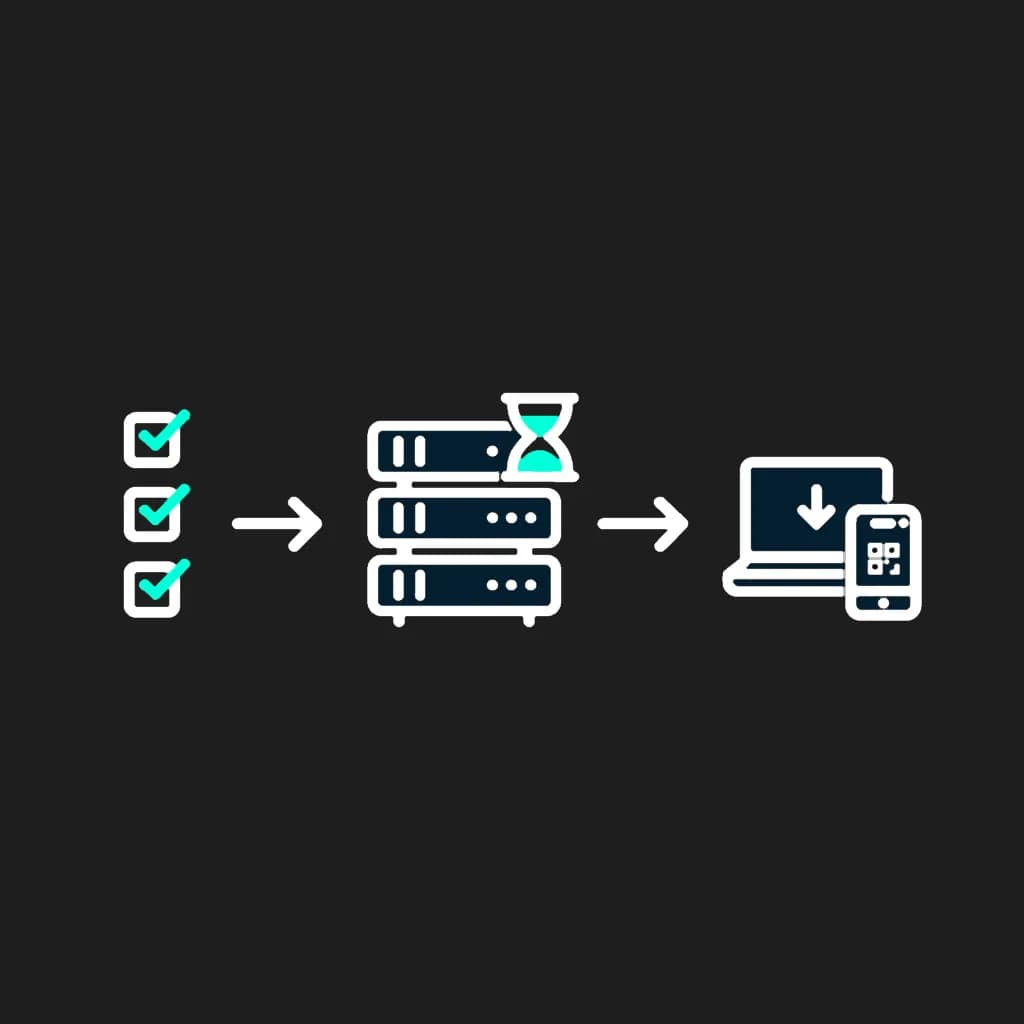
If you want to get access to top VPN locations and the best VPN servers instantly, we welcome you to get started with SHP.Network. Please, explore our Pricing page to decide on the configuration of a private VPS you need and the appropriate plan. After you make a decision, please register on our website and enter the Dashboard page to adjust your VPS. You have to indicate a chosen plan, a protocol you want to deploy, and an initial VPN location for your server.

Right after you confirm your purchase and process the payment, your VPN server will be deployed automatically. This usually takes just a few minutes. Once it is ready, you can manage your server and download configuration files or scan QR codes to connect your devices - all from the web dashboard.

HOW IT WORKS

Get your personal VPN server

Get your VPN running on a private server and start working through a secure environment in less than 10 minutes.

01

CHOOSE YOUR SERVER

Select a VPN protocol, a plan, and a server location.

02

WAIT FOR SETUP

Your personal VPN server with a dedicated IP address is being configured automatically.

03

CONNECT

Install the app on any of your devices and connect using a config or QR code.

Why choose SHP.Network?

Why choose SHP.Network?

At SHP.Network, we provide fast and fully automated solutions for private and corporate VPN servers to maintain the highest levels of security and performance. What makes us the best?

  • At SHP.Network, you get an uncongested server with a VPN location of your choice with the maximum speed for your working, gaming, streaming, or content downloading goals.
  • Fast deployment is our strength. Just select the plan and get access to your private VPN server in a couple of clicks. No technical background or specific Linux expertise is required.
  • No limitations on the number of devices. We can help you run a private VPN server for your home or your office and adjust it to any number of connected devices (depending on the chosen server's capabilities).
  • Top-tier protocols with unlimited switching between them are available to our clients.
  • Exceptional configuration opportunities for each server are provided. You get root access to configuration files from the web dashboard.

With all that, you can reach a new level of security and performance for your online activities with worldwide coverage by SHP.Network.

Frequently Asked Questions

Changing VPN location in SHP does not mean switching between already existing servers, but deleting the current VPS and deploying a new server in the selected region with the desired configuration and new dedicated IP address. The old server is completely deleted.
A VPN doesn't hide the physical location of the device. It's important not to confuse the device's location with its IP address. The VPN simply replaces your real IP with the IP address of the server through which the connection goes. External services only see the server IP and region, not the user's physical location. The level of privacy depends on network and infrastructure configuration.
In SHP, the primary option is an automated setup, where the user doesn't have to manually set up a VPN from scratch. Just select a region and get your VPS ready with a pre-installed VPN. For users who want to configure everything themselves, there is a clean OS Ubuntu 24.04 without a VPN installed. Protocol and network management is done through a convenient system without the need for complex server setup.
This depends greatly on your primary goals. If you need to get the highest connection speed for gaming or streaming, the golden rule is to connect to the nearest country. The closer your VPN server to a chosen country, the lower the ping you get. If you want to get access to the streaming services, the best option for you is to select a country with a developed digital broadcasting market. For higher personal data protection, it is better to connect through a location with the strictest user confidentiality policies.
Yes, many modern routers support VPN features. Typically, these are routers with a VPN Client function. This allows you to connect your entire home network over a single secure connection. Support is model-dependent, so it's important to check the manufacturer's specifications. Among the devices that often have such features: TP-Link, ASUS, AVM FRITZ! Box, MikroTik, GL.iNet, Keenetic.
VPNs are legal online hygiene tools in many countries around the globe. You can check whether VPNs are legal in your residence area. Typically, VPN restrictions are provided in countries with severe censorship, where VPN blocking is a part of the censorship policy.
A VPN encrypts the traffic between the user's device and the VPN server. With this encryption, the user goes online from the server's IP address. When using a VPN, your traffic goes through an encrypted tunnel, so the ISP or local network owner doesn't see the resources you are accessing.
Yes, it is definitely better to use a VPN server with a dedicated IP. With a dedicated IP, you can bypass VPN bans and CAPTCHA challenges at once, and remain visible and identified for your remote work access or your banking services. It provides stable connection speeds, allows connecting multiple devices, and won't become blacklisted. As a result, your VPN server provides you with a wider functionality than shared VPS's.
We provide access to such protocols as WireGuard, OpenVPN, IKEv2/IPSec, OpenConnect, Outline, Hiddify, and VLESS+Reality. Each of them has its strengths and was designed for a particular goal. The whole protocol library we offer at SHP.Network is listed on this page. Please visit it to learn more about the specifics of each protocol to select the best one fitting your goals.