Best Personal VPN for iPhone, iPad and other iOS devices: Your Own Server, Dedicated IP
Although Apple devices are renowned for their reliability and safety controls, they do not protect you from unsafe networks. Once you connect to a public WiFi network in the airport, your internet activity can be easily tracked by the network owners and providers. Apple is responsible for its devices but not for the networks they connect to. That’s why additional protection is more than feasible. At SHP.Network, we offer you more than a conventional VPN for iPhone for this protection. We provide iOS users with a personal VPN server with a dedicated IP and connection through clients available at the App Store. With it, your Apple devices get protected from tracking the resources you visit, and you can get access to the limited content, restricted for your country, via them.
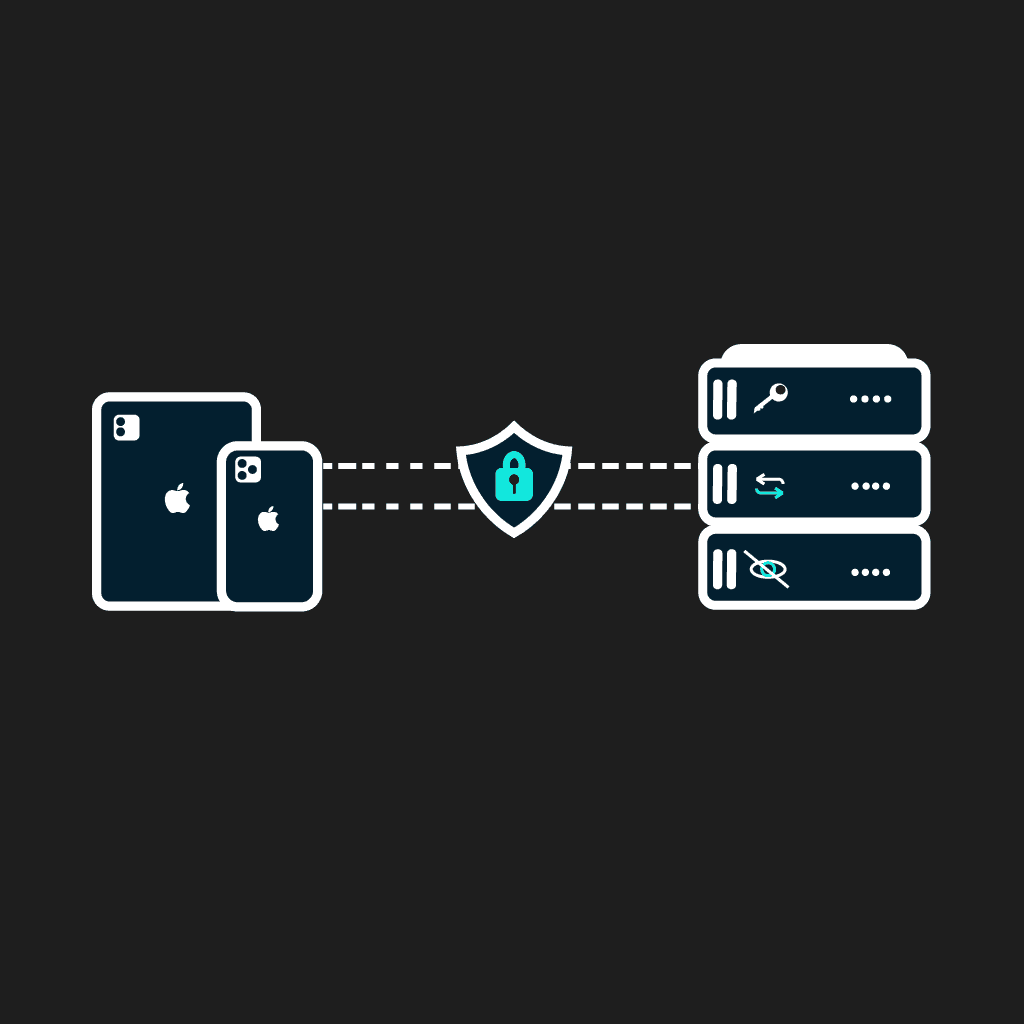
Key VPN Features on iOS
Here is how VPN works within the iOS architecture.
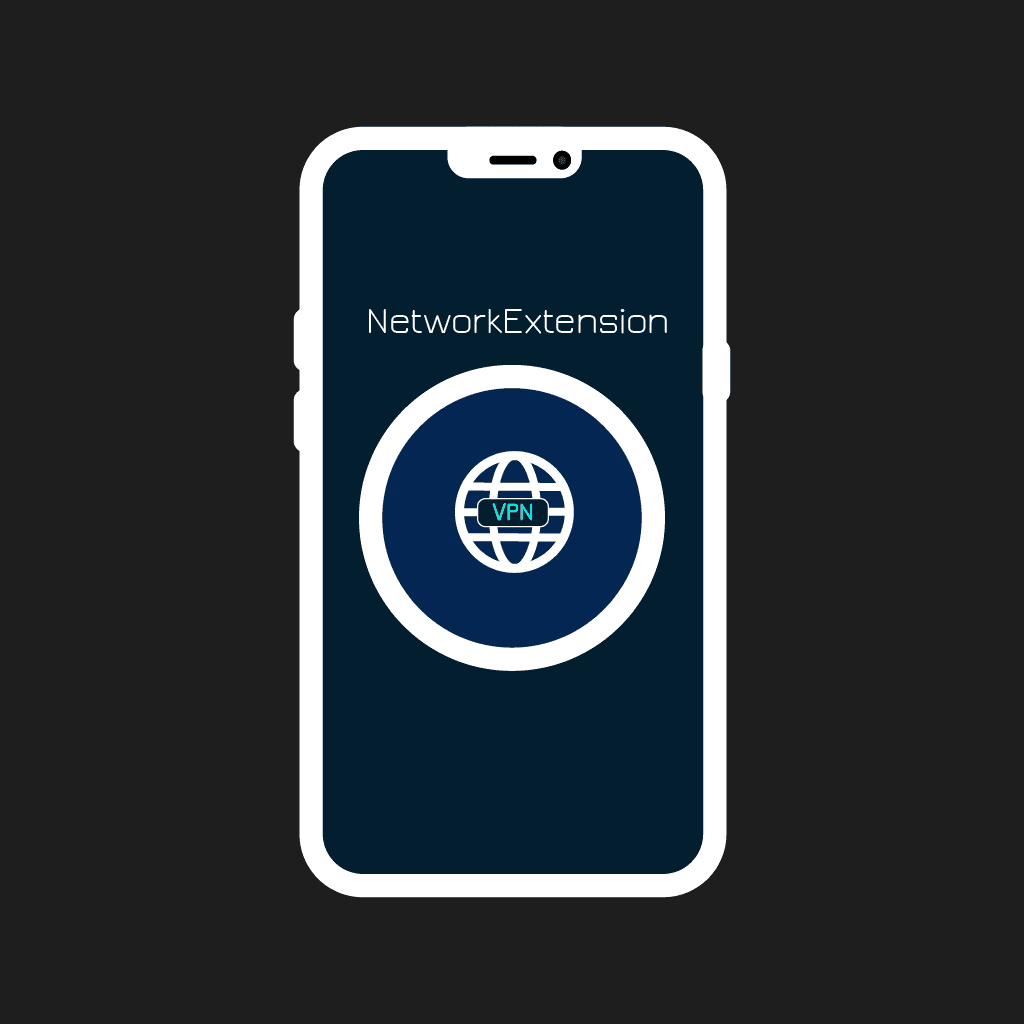
Architectural Level
It is a maximally closed environment. VPN is heavily controlled by the system through the NetworkExtension API that launches the tunnel and stops it at the demand of the OS. Developers do not have access to low-level network interfaces.
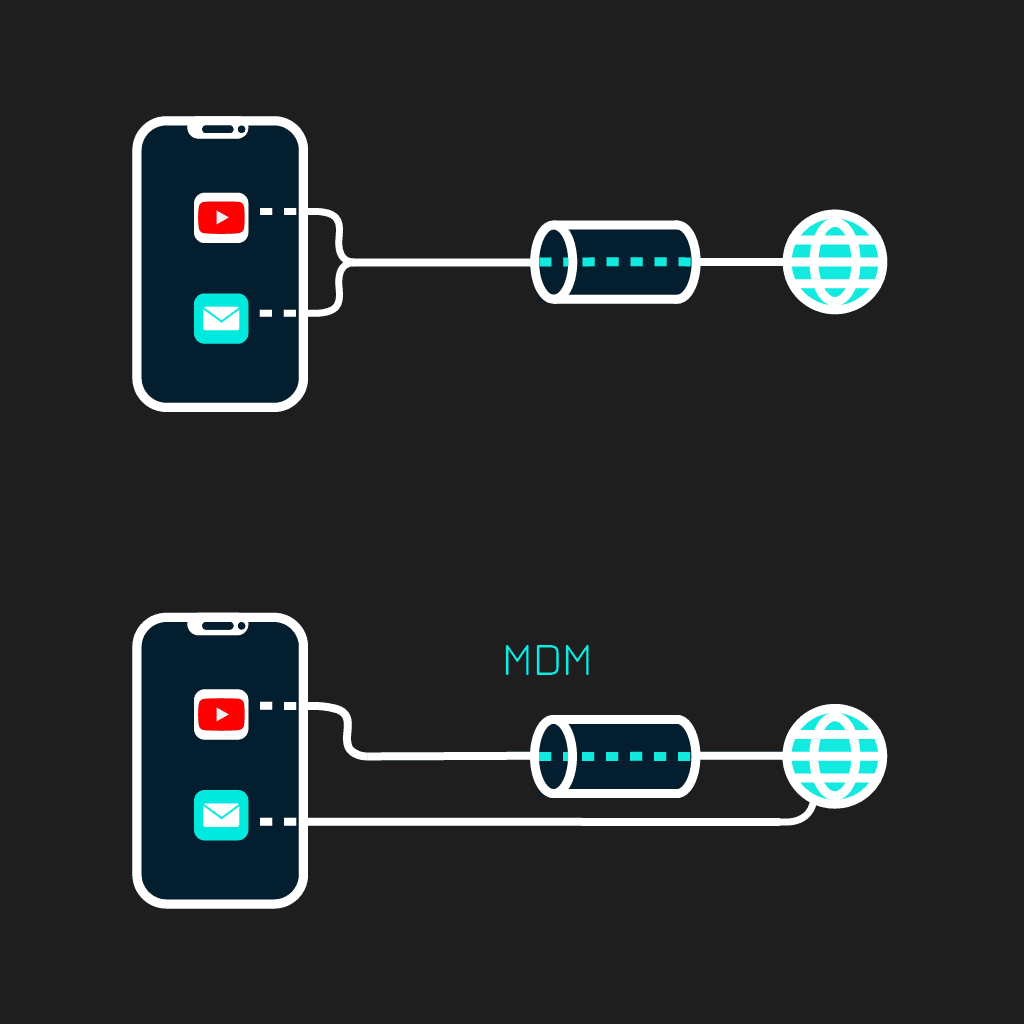
Split-Tunneling
Split-tunnel is not possible for App Store’s VPN apps. Splitting the apps to make one running through the tunnel and another with a direct connection is possible only for MDM profile-controlled corporate devices (Per-App VPN). Technically, App Store’s VPN clients can split the traffic only by IP address range.
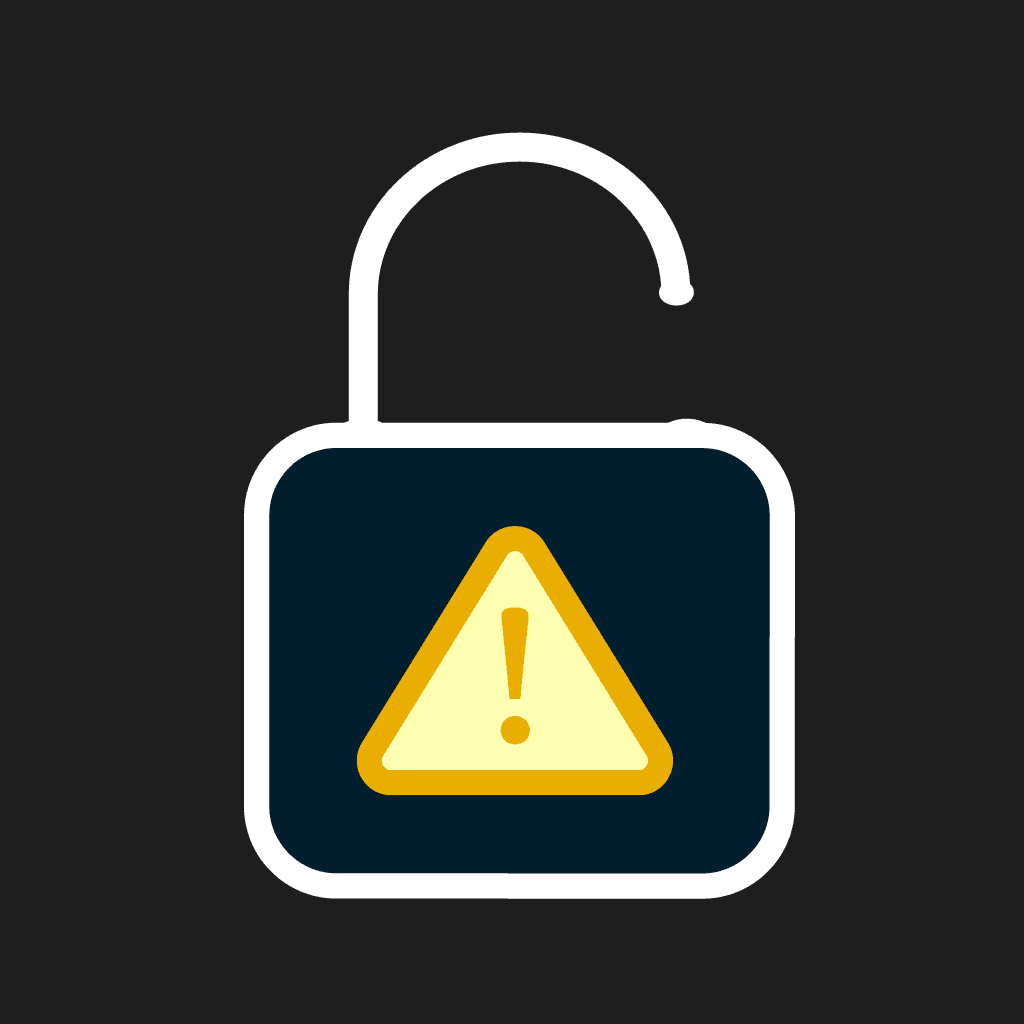
Kill Switch
This is a recognized iOS architectural problem. When launching a VPN tunnel, the system does not break already existing connections (e.g., system push notifications or instant messengers). This causes the real IP to remain visible, bypassing the VPN for a couple of minutes up to several hours. VPN developers cannot fix it themselves. Therefore, iOS users are recommended to turn on the Airplane mode for some time after launching the tunnel. A system Kill Switch for iOS requires Always-On VPN through MDM.
What makes SHP different from other shared VPNs?
The first and foremost difference from other VPN clients is that SHP doesn’t have a proprietary app to install on users’ devices. We work through well-known protocols like WireGuard or OpenVPN and their official clients. Besides, while shared VPN services provide multiple users with a single VPN server, an app that collects telemetry, and a shared IP (dedicated IPs are typically available for additional cost), at SHP.Network, each user gets a VPN for iPhone on a private server. This guarantees stable speed, traffic privacy, and deep VPN customization if needed.
How to set up a VPN on iPhone or iPad in 3 steps
It takes only 10 minutes and 3 steps to set up a VPN on an iPhone at SHP.
Get access to your server
Get access to your server after the payment is processed.
Install the official protocol client
Install the official protocol client (available in the App Store) and get started. All this takes only 10 minutes, while the server’s configurations are fully automated.
Setup with WireGuard from the App Store
WireGuard for iOS is the simplest protocol to try. It is fast, and for its installation, you have only to download its official and freeware open-source client from the App Store. You can find the download links on the dashboard.
Setup with OpenVPN Connect from the App Store
If you need higher customization of your VPN server, OpenVPN for iPhone is your choice. Its client is available for downloading for free in the App Store, so you can get it there. The config file .ovpn can be imported via AirDrop or in the Files app.
Setup with built-in IKEv2 (Settings)
IKEv2 VPN for iPhone is a built-in protocol, so you don’t need any app to install for its use. Please note that you may need a device on MacOS for .mobileconfig creation. You can get the necessary parameters for configurations on our ‘Get Started’ page.
What you get on every SHP plan for iPhone and iPad
What actually makes SHP.Network the best VPN for iPhone? It is the overall scope of benefits each of our clients gets in a chosen plan.
- 1. A private server with a dedicated IP ensures high performance and safety.
- 2. Full root access to the server for custom configuration and no-log checks.
- 3. A diverse range of VPN protocols to use for specific purposes, including such censorship-bypassing protocols as VLESS+Reality or Hiddify. You can switch between protocols if needed.
- 4. A single plan for all your iOS devices. We provide a VPN for iOS for all types of Apple devices, including iPhones, iPads, Macs, MacBooks, and Apple TV.
- 5. Full confidentiality of our users. We do not require email for registration, accept anonymous crypto payments, and do not save logs on a VPN server.
Which VPN protocol should I use on iPhone or iPad?
As for the choice of a protocol for your iPhone’s VPN, let’s compare such [protocols](https://shp.network/protocols) as WireGuard, OpenVPN, and IKEv2.
| WireGuard | OpenVPN | IKEv2 | VLESS/Hiddify/Outline | |
|---|---|---|---|---|
| Performance | Excellent | Moderate | Excellent | Excellent |
| Connection speed | Very fast | Moderate | Fast | Fast |
| App required | ||||
| Connection stability | Excellent | Excellent | Excellent | Excellent |
| Setup complexity | Easy | Easy | Moderate | Moderate |
iOS compatibility and supported devices
As for the compatibility of a VPN for iPhone, at SHP, we offer solutions for a wide range of devices and iOS versions.
- IKEv2 is compatible (and built-in) with all Apple devices and iOS versions starting with iOS 9; it is supported on iOS, iPadOS, macOS, and tvOS.
- OpenVPN and WireGuard work with iOS 15 and further versions and can be installed on iPhones and iPads with iPadOS 15 and further (including Pro/Mini/Air versions).
You can use a single config for the whole Apple ecosystem you have. Choose a protocol and a plan, and connect your portable devices, Apple TV, macOS PCs and laptops to your private VPN server.
What you can do with a personal VPN on iPhone
Using a personal VPN on an iPhone is more than beneficial. You create a safe and trouble-free tunnel for all your traffic, which is especially required for the following scenarios.
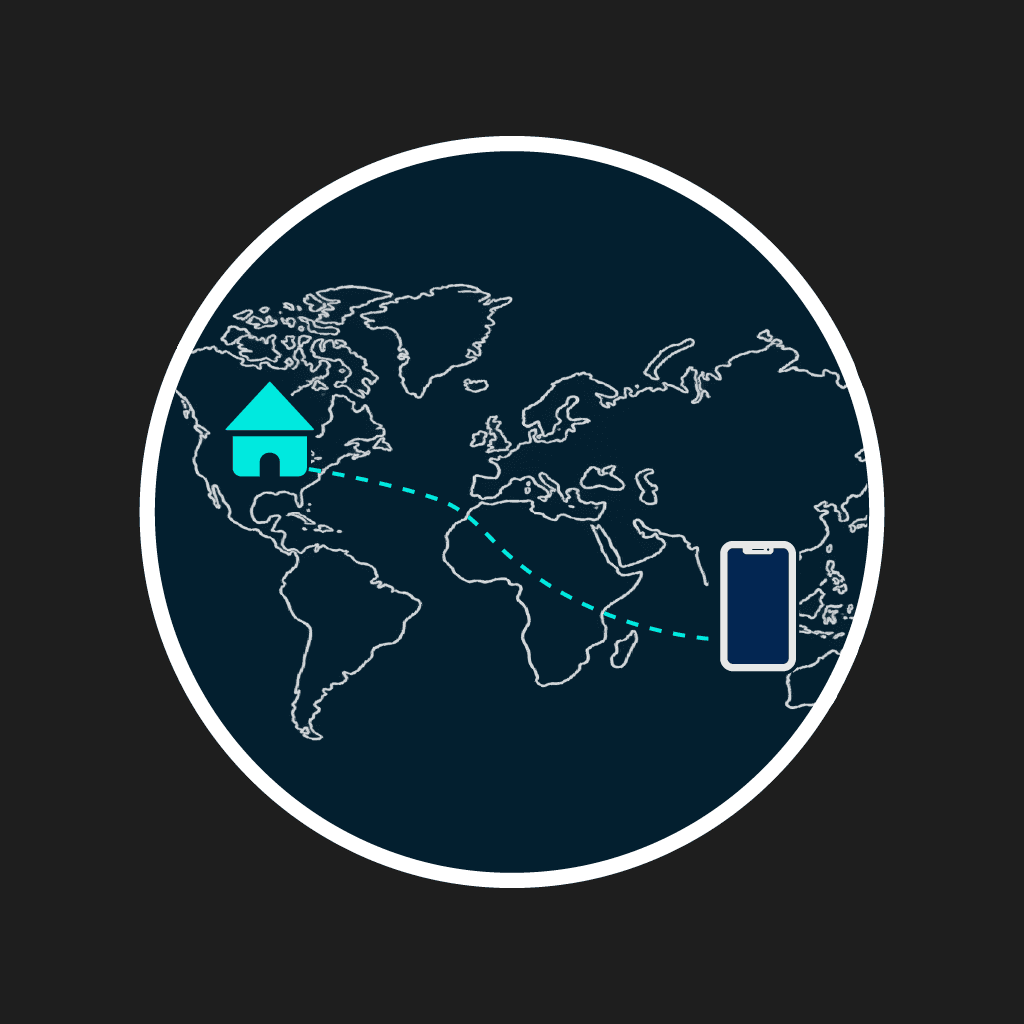
Travel and stay connected like at home
When you regularly travel or go on business trips, you can safely spend time in the airport or abroad, accessing all your services from anywhere without any trouble.

Stay safe on public Wi-Fi
If you have to use public WiFi networks, a good VPN is a must for privacy protection. Without it, your provider and the network’s administrator can see all the resources you visit and services you use. All traffic between you and your SHP VPN server is securely encrypted.
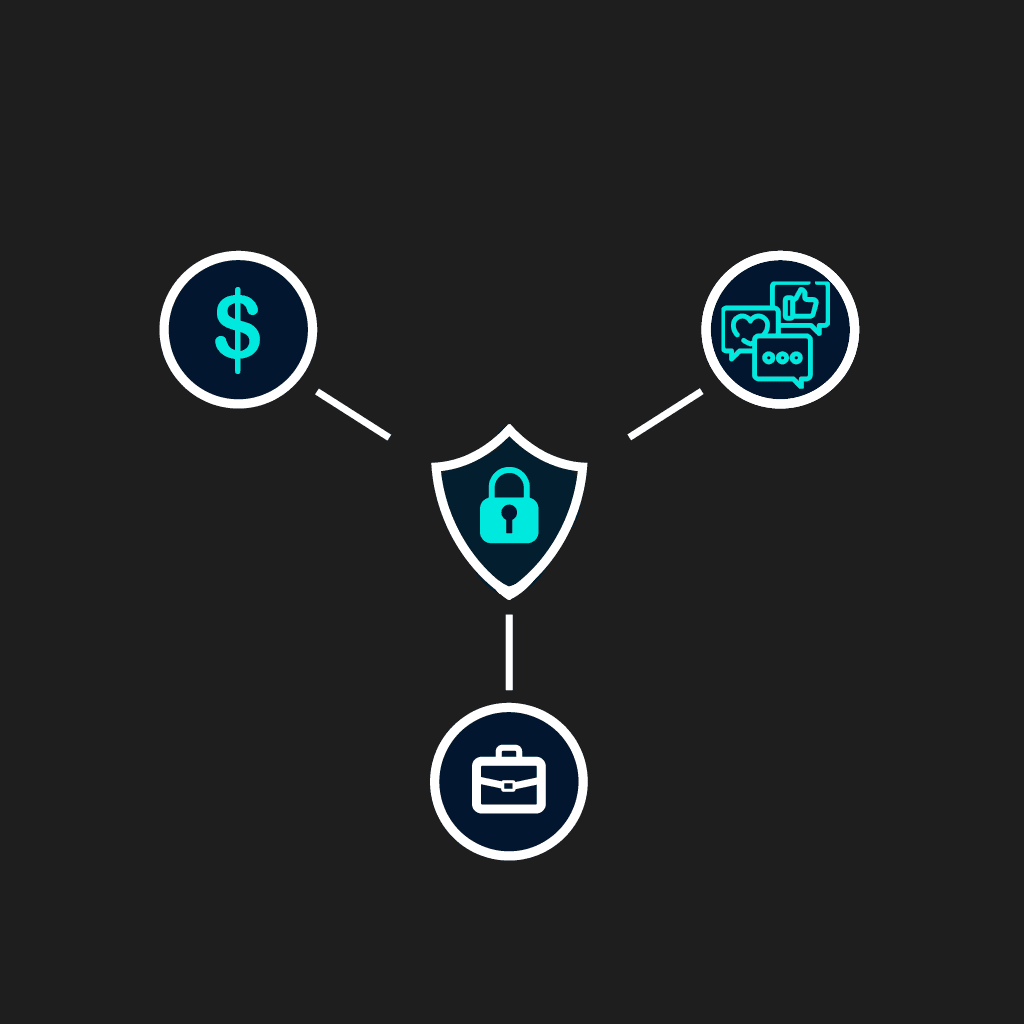
Banking, Work Apps, and Social Media
While shared VPN IPs are often blacklisted, getting access to your banking, corporate apps, or social media accounts becomes difficult. With a dedicated IP of your private server, you can use them as usual. Corporate resources, bank apps, and social platforms often flag 'suspicious' entrances from other countries or from IPs shared by thousands of other people. With your own IP, you won't draw any suspicion.
SHP vs free VPN apps for iPhone
After all, why is SHP the best VPN for iPhone, and what makes it different from free VPN apps?
- 1. We do not sell traffic logs like free VPN apps.
- 2. We do not show any ads to clients.
- 3. We do not require clients to set up any app besides the official protocol client.
- 4. We provide root access to the VPN server, unlike other VPN providers.
- 5. We provide a full-fledged server for your VPN connection, isolated from other users, with a dedicated IP included in the plan.
Use SHP on other Apple devices
You shouldn’t limit yourself to using the SHP VPN server only on iOS. We have great solutions for Windows devices (PCs, laptops, routers, and smartphones), as well as specific solutions for Mac OS users. Each VPN server’s performance allows it to connect an unlimited number of devices running various OS to it.
Frequently asked questions
The download process depends on the chosen protocol. SHP offers 7 protocols, including WireGuard, OpenVPN Connect, Outline and others, with official apps or reliable open-source clients for their installation. You can get them either from the App Store or via links from our site. Please enter the ‘Get started’ page to get more information about the proper downloading of a VPN for the protocol you choose.
Of course, that is the core principle of our service. We do not require clients to install any proprietary app; only official protocol apps or open-source clients are recommended to download from the App Store. Besides, you can use a built-in IKEv2 VPN.
The correct work of a private VPN server depends on the protocol’s support. For iOS, the same WireGuard and OpenVPN Connect work on iOS 15 and further releases.
At SHP, we provide exclusive services that include a full-fledged private VPN server and a dedicated IP included in each plan. That’s why we do not have free VPN plans or trials. However, you can try each of our plans by subscribing for a month to decide whether it suits your goals. Then, if you are content with our services, you can easily shift to an annual subscription to save costs. Please visit our ‘Pricing’ page to select a monthly plan to try it.
You can try WireGuard on iPhone if you need a simple and fast solution. However, OpenVPN for iOS also works well and is a universal solution, especially for complex networks. In any case, both protocols are adjusted for iOS, and you can switch between them at SHP in a matter of minutes, if needed.
It’s up to you! We do not provide limitations to the number of devices; that is, you can connect to your private VPN server any iOS devices you have. Your server will connect as many devices as it can handle.
You won’t feel any difference from other apps.
iOS provides users with a built-in VPN protocol, IKEv2. Thanks to that, you can use it as your SHP server protocol. For IKEv2 on iPhone, you do not need to install any app at all.
We ensure the safety of our services. You get access to a private VPN server and get a dedicated IP. Besides, we offer fast registration without requiring an email address or KYC checks. At the Self Hosted Project, we work with official apps and reliable open-source clients for VPN servers’ completely secure protocols.