Best Personal VPN for Mac: Your Own Server, Dedicated IP, Open-Source Clients
Are you looking for a reliable VPN for Mac? With SHP.Network, you can get a fully ready private VPN server, isolated from other users and providing you with a diverse range of locations, VPN protocols, and a dedicated IP address. It is the best solution for Mac owners regularly entering public networks in airports, restaurants, or co-working spaces. You get a reliable VPN server with high performance and protection of your internet use privacy. SHP works with various VPN protocols and provides connections through their official clients and reliable open-source apps.
Key VPN Features on macOS
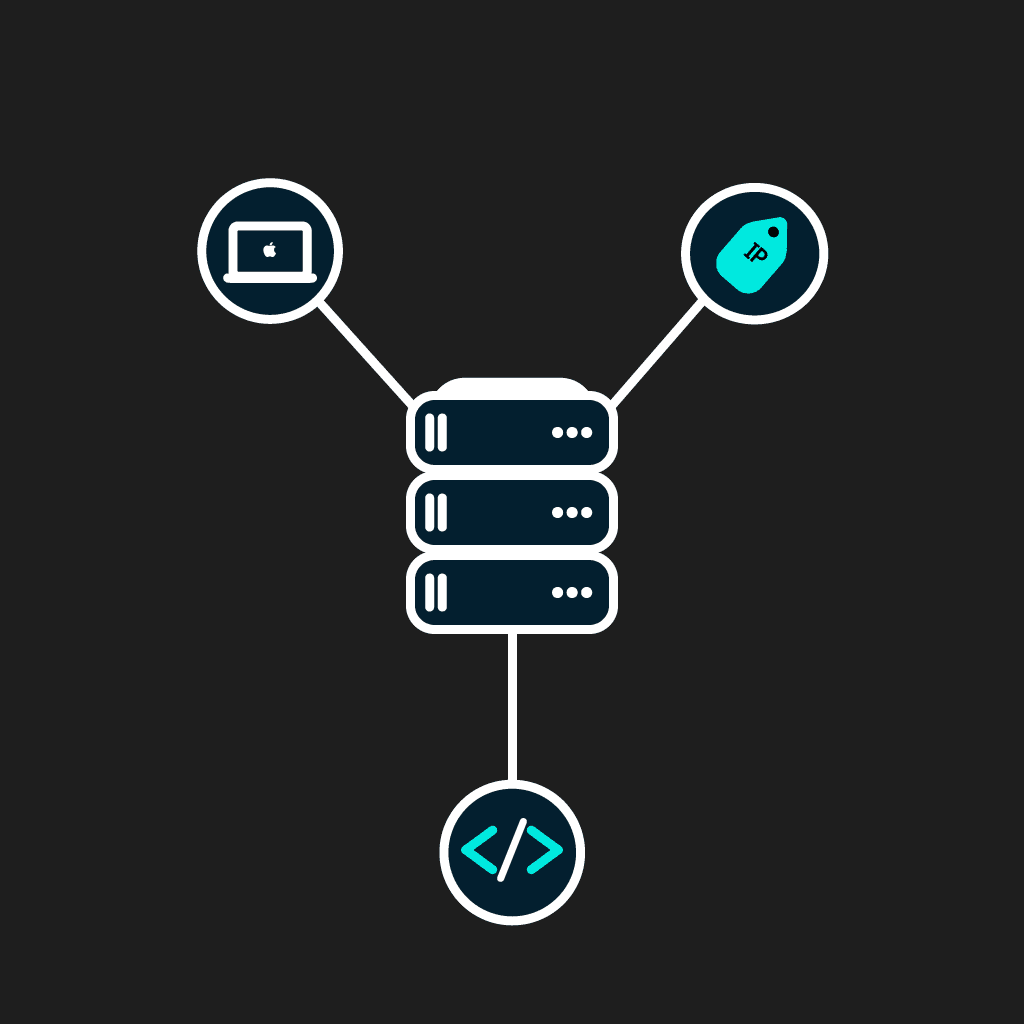
The specifics of the VPN use on macOS are based on three core features.
Architectural Level
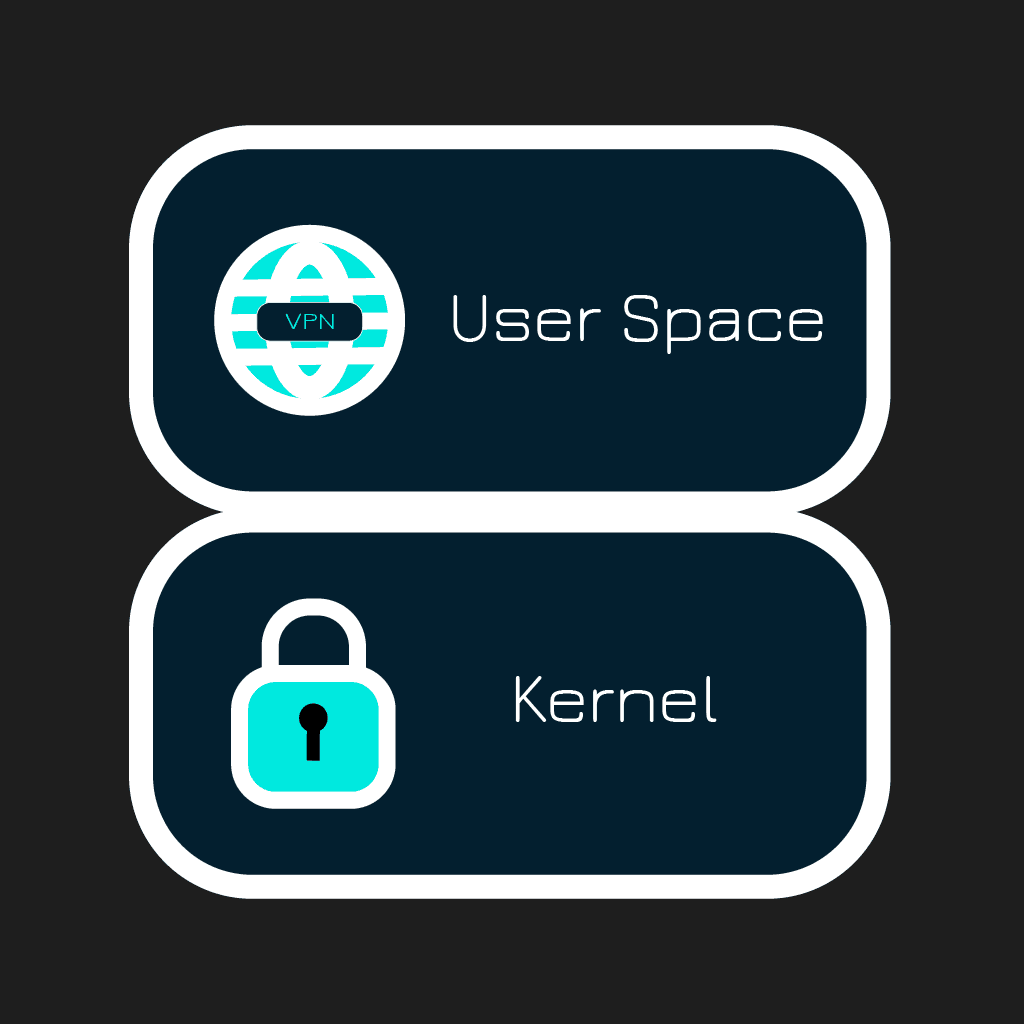
On the architectural level, VPN for Mac works in an isolated environment (User Space) through the Network.Extension framework. With the release of macOS Big Sur, VPN clients can no longer use old kernel extensions (kext). Therefore, modern VPN apps control traffic only through permitted system tools.

Split-Tunneling
Split tunnelling on macOS is strictly limited by the Apple architecture. Today, this function becomes gradually available in various VPN clients. It can be provided through new System Extensions, but it requires a user to accept extension use manually in security settings.

Kill Switch
Traffic leakage protection depends on the VPN client. The best modern implementation today is provided in Kill Switch on the built-in packet filter (PF) level. The alternative is to make the system keep all the traffic in the tunnel through the includeAllNetworks system flag. Short-term leakages can occur at the moment of switching between WiFi zones.
What makes SHP different from other shared VPN?
Unlike commercial VPN providers, SHP.Network offers 3 key benefits to VPN users.
- 1. A full-fledged private VPN server instead of a shared VPN server. You do not share your server with others, and this ensures stable speed, no buffering, and no ‘bad neighbor’ effect.
- 2. A dedicated IP is already included in the plan. You instantly get a dedicated IP when connecting to your VPN server. This IP doesn’t belong to other VPN providers, and you are its only user.
- 3. No-log policy is our rule. You can ensure no logs are recorded by the root access through the SHP web dashboard.
How to set up a VPN on Mac in 3 steps
Setting up a Mac VPN is quite a simple task. We provide a fully automated configuration for each VPN server, so you need to take only 3 steps to deploy your private VPN.
Get access to your server
Get access to your VPN server. Typically, it takes no more than 10 minutes to automatically configure it.
Install the official protocol client
Install a client for a chosen VPN protocol and connect your devices. You can get links to its download page at our Get Started page.
Setup with WireGuard app from Mac App Store
If you choose WireGuard for macOS, you simply need to download the client from the App Store. Then, you can get the config file from the SHP web dashboard and use it for the server’s configuration.
Setup with built-in IKEv2
The most convenient setup of a VPN for Mac OS is provided for IKEv2 because you do not need any app for its use. It is a native enterprise protocol, already built into the OS. Connect your macOS device to your IKEv2 server by following the guide.
What you get on every SHP plan for Mac
Each of our Mac VPN plans includes the following:
- 1. Instantly after connection, you get internet access through the static IP.
- 2. Full root access through the web dashboard. You can check that no logs are recorded.
- 3. 7 protocols are available for each VPN server, including WireGuard, OpenVPN (through official app or Tunnelblick on Mac), IKEv2/IPsec, OpenConnect, Outline, VLESS+Reality and Hiddify, with the opportunity to change the protocol if needed by de-installation of a server and its full re-installation.
- 4. No device limits for a VPN server. You can connect as many Mac devices at once as your server allows.
- 5. Full anonymity. You do not need to share your email or pass KYC verification for registration. You can use crypto payments to remain anonymous.
Which VPN protocol should I use on Mac?
You can use several protocols from our extended protocol list for your Mac’s VPN connection.
- WireGuard for Mac is a lightweight, easy-to-install, and fast VPN protocol with modern encryption.
- OpenVPN for macOS is available through OpenVPN Connect app or Tunnelblick. It is a universal solution with maximum compatibility, yet with quite a lower connection speed and higher demands for installation.
- IKEv2 on Mac is a built-in client for Apple ecosystem devices. It offers a good balance of speed and performance and doesn’t require any app to install.
- VLESS+Reality, Outline, and Hiddify are sophisticated censorship-bypassing protocols.
Their core merits are highlighted in the table below.
| WireGuard | OpenVPN | IKEv2 | VLESS+Reality/Outline/Hiddify | |
|---|---|---|---|---|
| Purpose | Modern VPN | Universal VPN | Native VPN | Anti-censorship VPN |
| Performance | Excellent | Moderate | Very good | Very good |
| Latency | Low | Low | Low | Low |
| Connection speed | Very fast | Moderate | Fast | Fast |
| Available on App Store | Available | Available | Built-in | Available |
macOS compatibility and supported devices
SHP offers advanced compatibility with various Mac devices. You can use a single VPN server to connect all your Apple ecosystem devices and devices on other OS that support the chosen protocol. When choosing a protocol, you can be sure it will work with any version of macOS, starting from macOS Big Sur. The clients work flawlessly with macOS Monterey, Ventura, Sonoma, and Sequoia. They natively work with both Intel and Apple Silicon CPUs, supporting such architectures as Intel x86_64 and Apple Silicon M1, M2, M3, and M4. At once, you can use the same configuration for various devices on macOS:
- MacBook Pro/Air
- iMac
- Mac Mini
- Mac Studio
- iPhone/iPad
What you can do with a personal VPN on Mac
The scope of use of VPN for macOS is quite diverse. With your private VPN server, you can make your everyday online routines protected and secure. Your personal MacBook VPN server helps you safely play and stream, hides your traffic when you are connected to public networks, and it helps you use your regular work and financial tools without hassle.

Streaming and gaming without lags or buffering
If you regularly stream or play online games using a VPN, it is better to use a private VPN server instead of public VPN services. A personal VPN server provides you with a stable connection speed, and the risks to be banned for the actions of other people sharing the same VPN service is lower. Besides, for streamers, private VPN servers help to hide their real IPs from streamsnipers. Our VPN servers perfectly suit 4K streaming and playing, even the most traffic-consuming online games.

Protect your MacBook on public Wi-Fi
People who regularly travel or come on business trips expose their laptops to multiple threats when connecting to public WiFi networks. With a VPN server and a dedicated IP, you can work, surf the internet, and transfer data from any place safely, which is especially crucial if you work or play using public networks. It protects your internet surfing privacy, and providers or network administrators cannot track the resources you visit.
Access banking and work resources securely
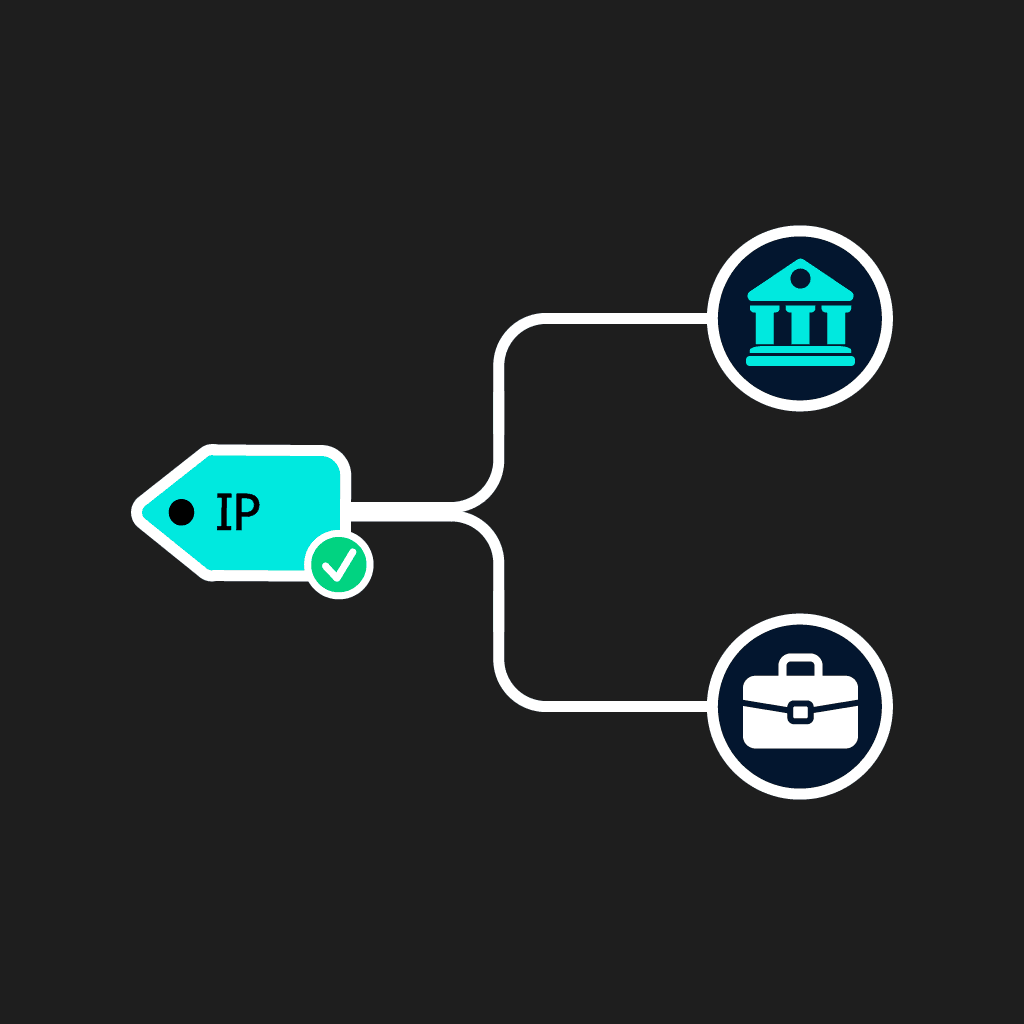
SHP’s private VPN server with a dedicated IP is a good choice for freelancers, remote employees, and travelers who regularly need to use their working tools or banking from abroad. While banks and corporate security often ban shared VPN IPs and IPs that don’t match their owners’ residences, a dedicated IP is not blacklisted and remains trustworthy.
Use SHP on other devices
With SHP, you don't have to choose a separate VPN for Mac, Android, and Windows OS. We provide a unified config for all platforms and devices. Therefore, you can connect to your private VPN server:
- PCs and laptops on Windows
- PCs and laptops on Linux (various distributions)
- Android phones and tablets
- routers
- TVs
Everything can be easily and safely connected to a single server.
Frequently asked questions
We provide VPN services through official and open-source VPN protocol clients, so you need only them to install. You can use any protocol client, including WireGuard, OpenVPN Connect, V2Box, Outline-Secure internet access or Hiddify. Please note that each protocol has its specific installation method. To download a protocol client, you can use links on our ‘Get Started’ page, on the ‘Protocols’ page, or search for them on the App Store.
SHP doesn’t have any proprietary apps. Instead, you have to download official or open-source VPN protocol clients to install. You can use the WireGuard app, the OpenVPN Connect client, and clients for other available protocols. Please note that each protocol has its specific installation method.
Yes, SHP works on any macOS version because it doesn’t have its proprietary app. Official macOS VPN clients, like WireGuard or Outline, work on all macOS versions, so it is not a problem to use SHP VPN on them.
Yes, you can connect to SHP VPN servers from your Mac devices, working on OS versions from Big Sur and further. Therefore, you can use it on macOS Ventura, macOS Sonoma, and macOS Sequoia. You can connect to our private VPN servers from macOS devices with Intel and Apple Silicon CPUs, and the same config file suits for connection of all Mac, iPhone, and iPad devices, routers, and AppleTV.
SHP.Network is a project that provides users with real private VPN servers. Such a solution provides multiple benefits, but it cannot be fully free. That’s why we do not provide a free VPN for Mac. Instead, we have flexible plans to choose from. You can try any plan for a month with a monthly subscription to evaluate its features and benefits, and then it is easy to shift to any other plan or to get an annual subscription (which is cheaper).
The answer depends on your goals. If you are looking for a lightweight and fast protocol, you can try WireGuard. If full compatibility and extensive support are your priorities, OpenVPN fully meets them.
SHP doesn’t limit users to a certain number of devices. Therefore, you can use your VPN server to connect all your Mac computers to it.
Modern MacBooks and Mac Computers have such high-performance CPUs that you won’t notice slowdown.
We value our customers’ privacy and thus, provide fast registration without obligatory email indication. SHP doesn’t verify your identity (KYC). If you want your banking data to remain private, you can use crypto to pay for a chosen SHP plan to maintain your privacy. Besides, for higher security, we provide clients with audited and trustworthy VPN protocol clients and maintain a no-log policy, which you can check yourself with root access to your VPN server. All that means, SHP.Network is a safe and fully private service for Mac users.