Best Personal VPN for Android: Your Own Server, Dedicated IP, Open-Source Clients
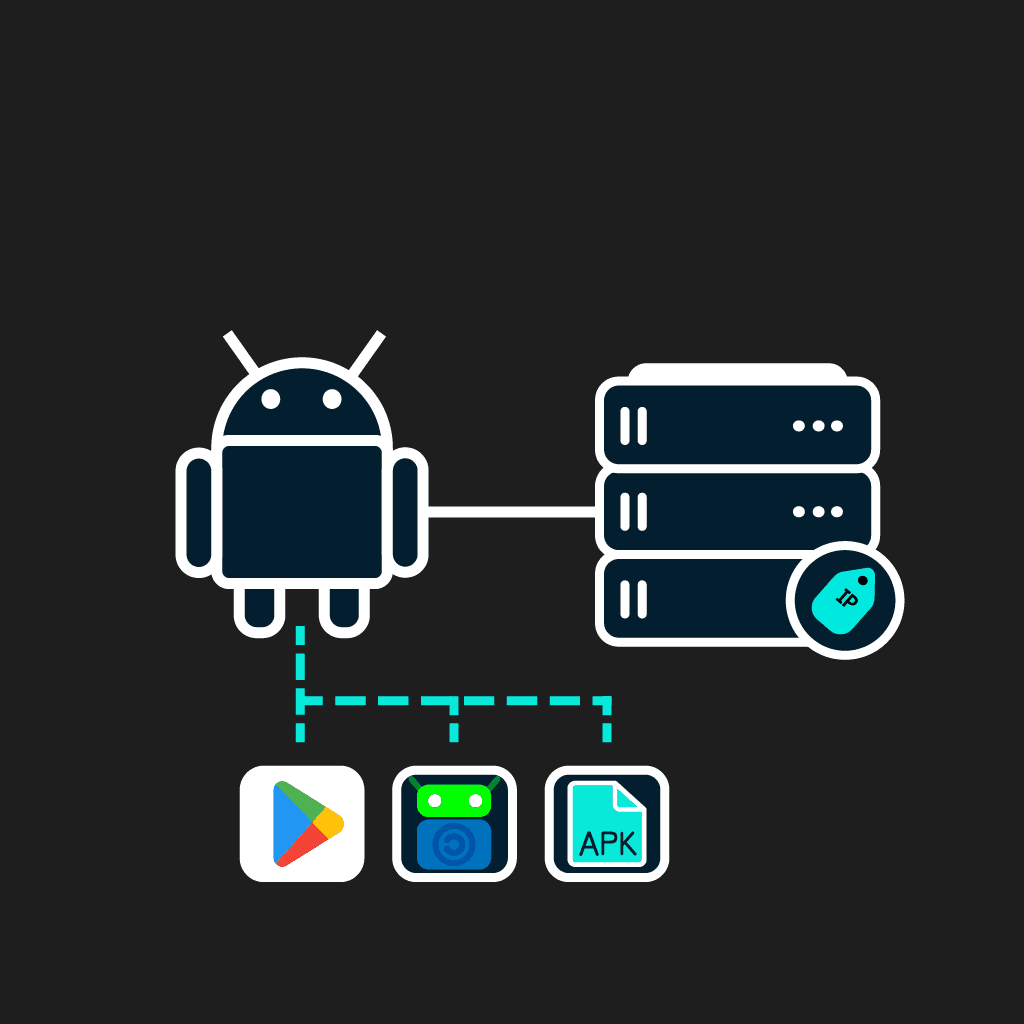
Android-running devices are numerous, but their use is not always safe. Just imagine you are sitting in the hotel lobby connected to its WiFi network. It can be frustrating if you cannot access your favorite sites and services through the public network. That’s why using a VPN for Android phone in this situation, like in multiple others, is a must. SHP offers you a robust solution for your everyday needs, a private VPN server with a dedicated IP included in the plan. We provide various VPN protocols with free open-source clients from Google Play, F-Droid, and APKs from the official sites.
Key VPN Features on Android
The specifics of VPN for Android can be described by the following.
The Architectural Level
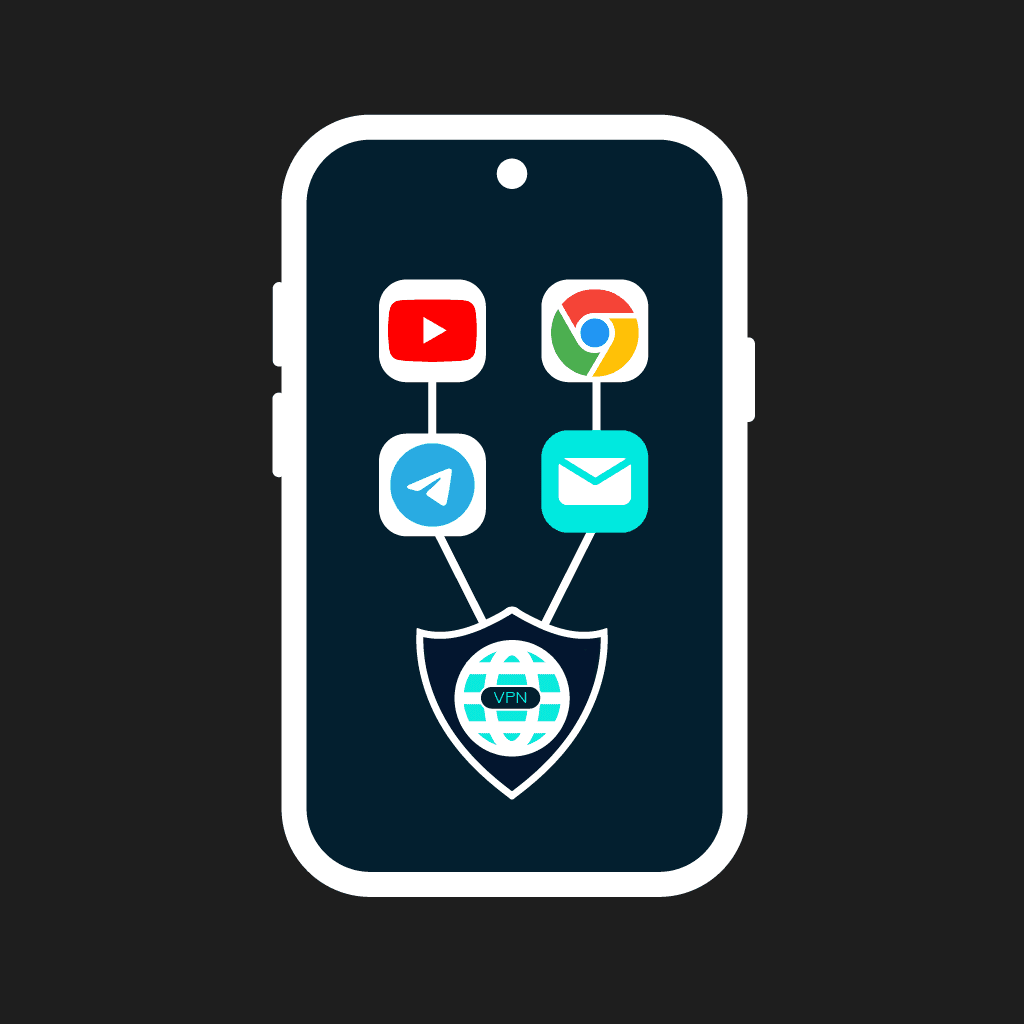
The VPN is integrated into the Android architecture through the official system framework VPNService API. The system reserves an isolated virtual interface (TUN) for VPN. This allows an app to centralize filtering and redirecting the outgoing traffic of the device.
Split-Tunneling
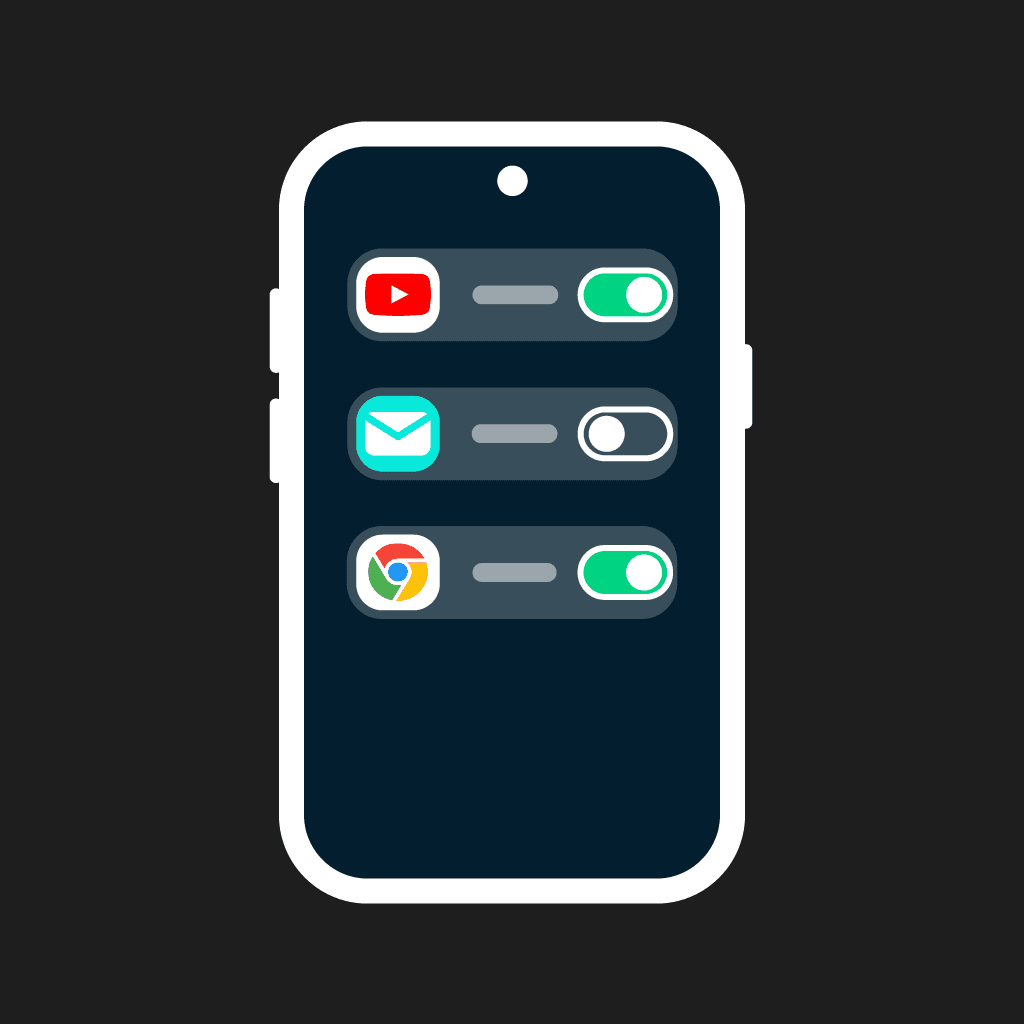
Split tunnelling is implemented on the OS level. Client settings allow separately selecting the apps to work with a direct connection and the apps running through an encrypted tunnel.
Kill Switch
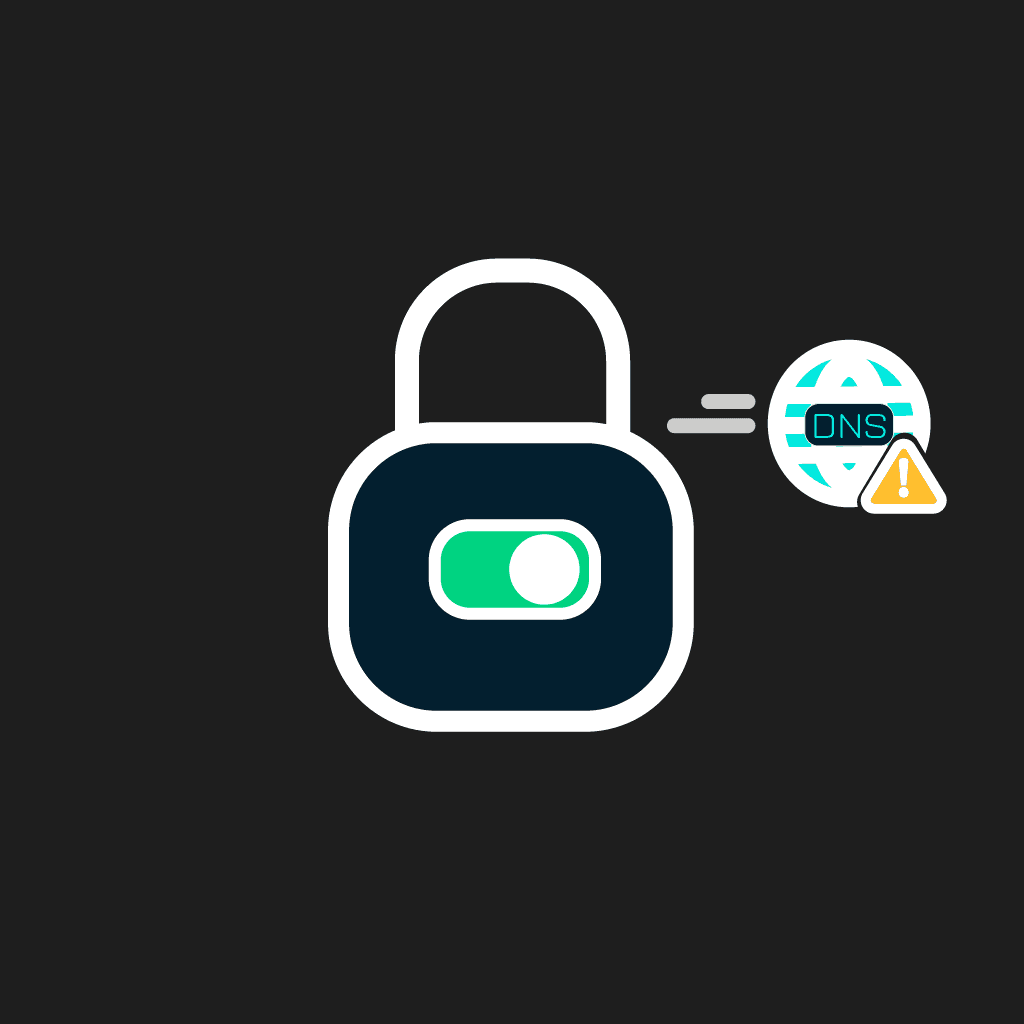
The Android OS has built-in leakage protection. You can turn on the ‘Always-on VPN’ parameter and ‘Block connection without VPN’ in the Network parameters. In case of tunnel disconnection or manual VPN disabling, the system blocks all the traffic. This basic scenario is one of the most reliable mobile platform solutions. However, keep in mind that this mode doesn’t block the entire traffic. Connectivity checks, when connecting to another WiFi network, bypass the tunnel, and you cannot disable them with standard tools. The system considers it working ‘as is’. DNS queries can leak as plain text when re-configuring the tunnel or in the case of a VPN client crash. Other bugs, like the following, can also occur.
What makes SHP different from other shared VPN?
Most VPN clients for Android are provided as a separate app on Google Play. It can collect telemetry, provide built-in ads, and typically offers only shared IPs (a dedicated IP if available, is provided for an additional cost). SHP provides quite a different approach:
- A private VPN server with isolated traffic instead of shared and overcrowded public servers.
- A dedicated IP from the very start.
- Multiple Android VPN protocols to your choice with official open-source clients for downloading.
How to install a VPN on Android in 3 steps
When choosing the best VPN for Android, connection simplicity matters. SHP provides the simplest installation and deployment process. Our VPN servers’ configuration is fully automated, and you have to take just 3 steps to get access to it.
Get access to your server
Get access to your server after the payment is processed.
Install the official protocol client
Install the official protocol client and get started. All this takes only 10 minutes, while the server’s configurations are fully automated.
Setup with WireGuard (Google Play, F-Droid, APK)
The fastest way to get your VPN for Android from SHP is to download a WireGuard Android app from Google Play, F-Droid, or from the WireGuard official site. You can connect your smartphone using a QR code or a config file from our web dashboard.
Setup with OpenVPN for Android
Download the official OpenVPN Connect app from the developer’s site and get a .ovpn config imported by one click.
Setup with IKEv2 via StrongSwan
If you want to use the IKEv2 Android client, we offer you to download the most popular and actively supported by developers, the StrongSwan client from Google Play or F-Droid. Its parameters can be imported from the SHP web dashboard.
Download options when Google Play is blocked
VPN for Android is often in demand in countries where Google Play limits downloading due to governmental restrictions. That’s why we have alternative options. You can download VPN clients from the open-source marketplace F-Droid, or use direct links to the official websites where Android APKs are available.
What you get on every SHP plan for Android
Each of our plans contains unique features:
- A dedicated IP is available from the moment of purchase.
- Full root access to your private VPN server.
- 7 protocols to choose.
- No limits to the number of devices to connect.
- Full anonymity for our customers.
- VPN opportunities without Google Services.
Which VPN protocol should I use on Android?
The most sought-after VPN protocols for Android are the following:
- WireGuard. It is the simplest and fastest one.
- OpenVPN. This protocol is compatible with the maximum number of devices.
- IKEv2/StrongSwan is the most stable protocol for mobile networks.
- OpenConnect provides effective traffic mimicking for HTTPS and is compatible with Cisco routers.
- Hiddify/VLESS+Reality/Outline are perfect for censorship bypassing. To make your choice easier, we compiled all their features in a table.
Android compatibility and supported devices
SHP offers VPN solutions for all types of Android devices. We provide exclusive opportunities to connect to a private VPN server for an unlimited number of devices, including:
- Smartphones and tablets on Android 7.0 and further (if you download the client from Google Play) or even earlier versions (for OpenVPN and IKEv2 clients downloaded from their official sites).
- Android TV.
- Fire TV Stick.
- Smartphones with de-Googled custom OS (Graphene OS, Lineage OS, Calyx OS, /e/OS).
- Other OS and different routers.
All of them can be connected using a single config from SHP. You can connect to our VPN servers from Samsung, Oppo, Pixel, Xiaomi, and OnePlus devices.
What you can do with a personal VPN on Android
A personal VPN server provides more opportunities for customization than regular VPN services.
Bypass blocks and censorship on Android
If you need to bypass blocks and censorship rules, we have several protocols for this case. VLESS+Reality, Outline, and Hiddify are not casual VPN clients; instead, they mask regular traffic and may bypass DPI. With them, you can access the resources unavailable in your country.
Stay safe on public Wi-Fi
You can safely use public networks, for example, while chilling in the cafe or waiting for your boarding in the airport if your traffic is protected by a VPN server. It allows you to hide the resources and sites you visit from the network’s owner.
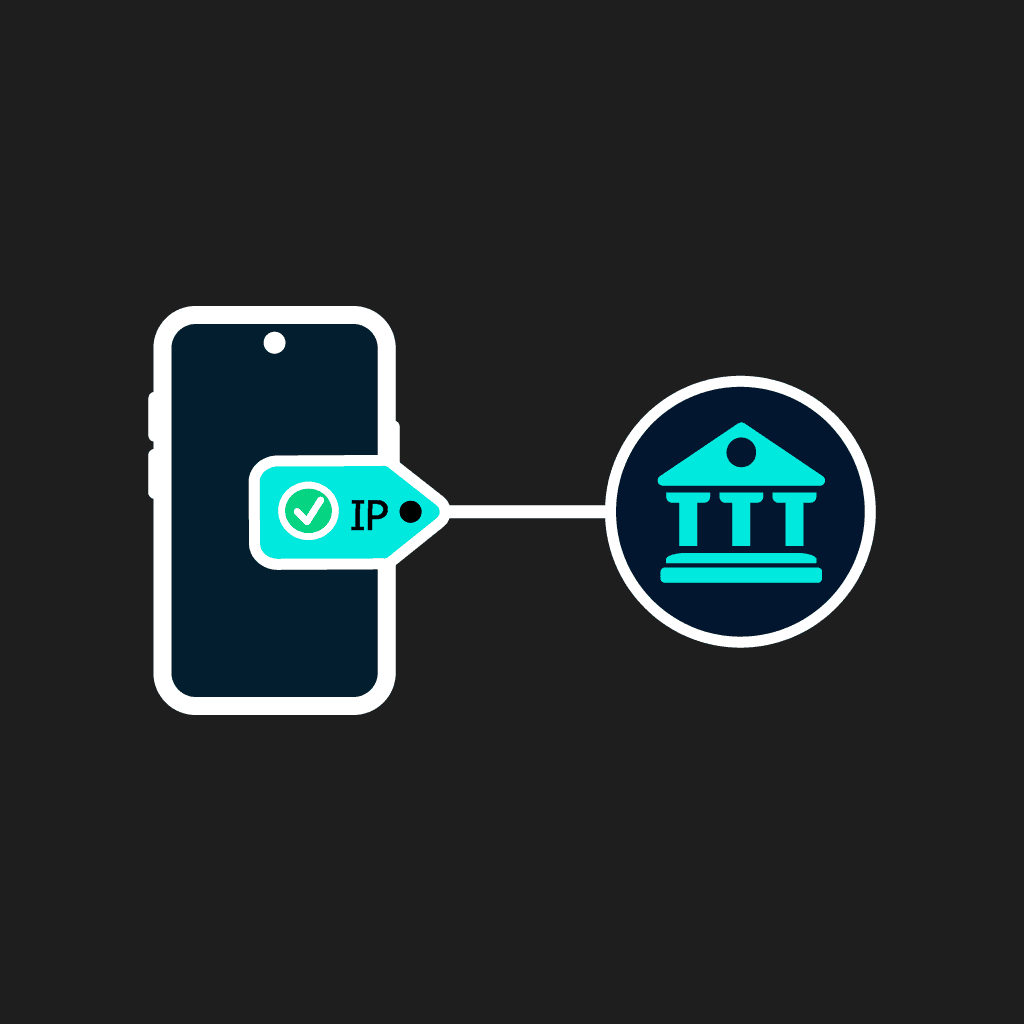
Banking and work apps without IP blocks
Often, banking apps and corporate resources ban dubious IPs, specifically, shared IPs of regular VPN services used by numerous people. If you reach out to them from abroad, using a dedicated IP on a VPN server helps avoid bans. Subsequently, when you use a shared IP, it can be blocked by banks or corporate resources if it is already on the black list. With our dedicated IPs, such risks are lower.
Use a VPN on GrapheneOS, CalyxOS and custom ROMs
Custom Android-based OS’s suffer from the lack of reliable VPN clients. Most VPN providers have their apps strictly on Google Play. However, for de-Googled Android versions, we have exclusive solutions. GrapheneOS and CalyxOS users can simply download the same WireGuard or OpenVPN for Android from F-Droid or their developers’ official sites and install them using our config from the SHP web dashboard.
SHP vs free VPN apps for Android
The core difference of SHP VPN services from Android VPN apps is that we do not provide an app, but reserve a real VPS for each client. Besides, the differences are as follows:
- We do not sell traffic or show ads like free VPN clients.
- Root access is never provided on free VPN for Android. SHP provides root server access to ensure no logs are recorded.
- Open-source clients are checked by the community, and their security is confirmed.
With all that, SHP provides a high level of protection and safety.
Use SHP on other devices
SHP.Network provides different configs for all Android devices to connect to the VPN server simultaneously, so you can connect various devices that support a chosen protocol to it. If you also have devices on other OS’s to protect with a VPN, it’s not a big deal, its possible to connect your Windows OS, iOS, and MacOS devices too.
Frequently asked questions
You do not need to download an SHP VPN app because we do not have one. Instead, we offer our clients direct access to a private VPN server through one of the protocols we work with. Namely, these are WireGuard, OpenVPN, OpenConnect, IKEv2, Hiddify, Outline, and VLESS+Reality. We provide links for their download to our customers. You can get into detail on this page.
It is real for WireGuard, OpenVPN, Hiddify and other protocols. Open-source VPNs have their APKs represented on their official websites and on Github, so you do not need to install them from Google Play.
Yes, SHP provides VPN for Android custom OS versions. We do not depend directly on Google Play Services, and we do not have a proprietary app to install. If there is a VPN client APK for your custom OS, you can use the SHP private server with it to get connected.
Actual Android version support varies in different VPN clients. For instance, WireGuard works on Android 5.0, and further, IKEv2 (StrongSwan) works on Android 5.0, and OpenConnect requires Android 6.0+. Most modern VPN clients, including OpenVPN Connect, VLESS+Reality, and Hiddify require Android 7.0 and do not support earlier releases. Outline provides the highest requirements and works on the latest versions of the OS, from Android 10.0 and further. You can find earlier versions of VPN client apps on uptodown.com; however, keep in mind that these versions may not be compatible with the current protocols’ server versions, and thus, won’t work. In any case, please check the actual versions on the official resources of VPN client developers.
We do not have free VPNs. SHP provides efficient private VPN servers (both hardware and software sides), which is why we have paid plans only. In return, we guarantee speed, performance, high protection and safety to all your devices, connected to a private VPS, a dedicated IP included, and a diversity of locations and protocols to use. Besides, you can ensure that our pricing is affordable, so you can try any plan for a month without extra costs to ensure the quality of VPN services.
Your choice of the VPN protocol depends on your usage style and demands. Typically, WireGuard is more suited to mobile networks’ use, and it is faster. Yet, for countries with VPN restrictions, it is better to use VLESS+Reality or Hiddify.
SHP provides no limits on the number of Android devices to connect to the server. The number of devices to connect is defined only by the server’s capability, and it depends on the chosen plan.
VPN client apps work like any lightweight app, it is completely unnoticeable when you use them.
If you download the VPN APK from official sources, it is quite safe. Therefore, we recommend downloading a WireGuard Android APK only from wireguard.com and for OpenVPN Android Connect, you’d better visit its official site. Do not download APKs from dubious resources because they can be contaminated with viruses or phishing software. You can find reliable links to APK downloads on SHP.